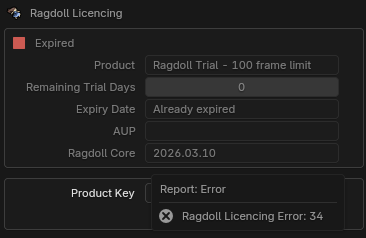
Hi, I’ve just bought a freelance version of Ragdoll, and when I tried to activate it in Blender, it gave me the following error: Ragdoll Licensing Error: 28.
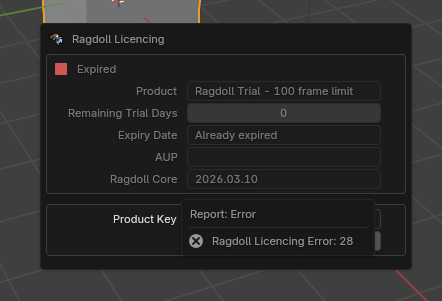
I’m not sure how to proceed.
Thank you in advance!
Hi, I’ve just bought a freelance version of Ragdoll, and when I tried to activate it in Blender, it gave me the following error: Ragdoll Licensing Error: 28.
I’m not sure how to proceed.
Thank you in advance!
That is indeed a cryptic message, it should have said “Disabled Network Adapters” which is a recurring issue with a few known fixes here:
Hi, thank you for the quick response!
TLDR: it was a outdated ethernet driver.
After a few hours of trial and error, I finally managed to make it work: I uninstalled one of the Network adapters. Not sure why I have two ethernet Adapter haha.

This adapter has this error Windows cannot initialise the device driver for this hardware. (Code 37). I had to update the driver with EasyDrive because windows couldn’t see the driver was outdated.
I have tried:
Thank you again for the assistance, I can’t wait to try it out!
PS: I never had the trial, it was 0 days remaining from the start, not sure if this is normal behavior. Doesn’t matter to me now though 
Great news. Sorry to have to make you jump through all of these hoops, we are aware it is a pain. We have a solution for this already and it will be part of upcoming Blender releases, just as it has for the latest Maya releases.
Enjoy Ragdoll, any other issues feel free to make more threads!