First, I am sorry for flooding the forum recently  After several hours of trial-error method I’ve found the solutions for problems I mentioned in the initial post. I’ll try to describe the solutions for others who may struggle, but please correct me if I am wrong. There are about four problems described below. If possible, you can break comments into several replies in the thread, it would be more readable for other users.
- LIMITS ANGLE VISIBILITY ICON
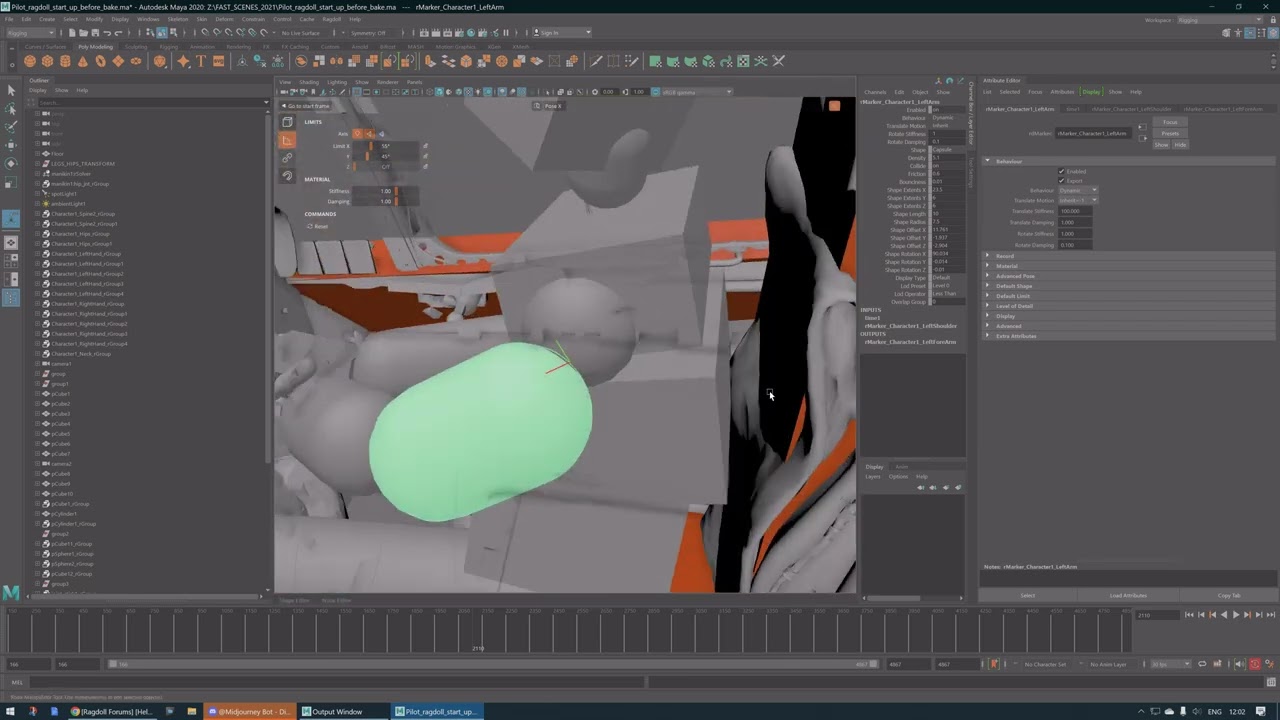
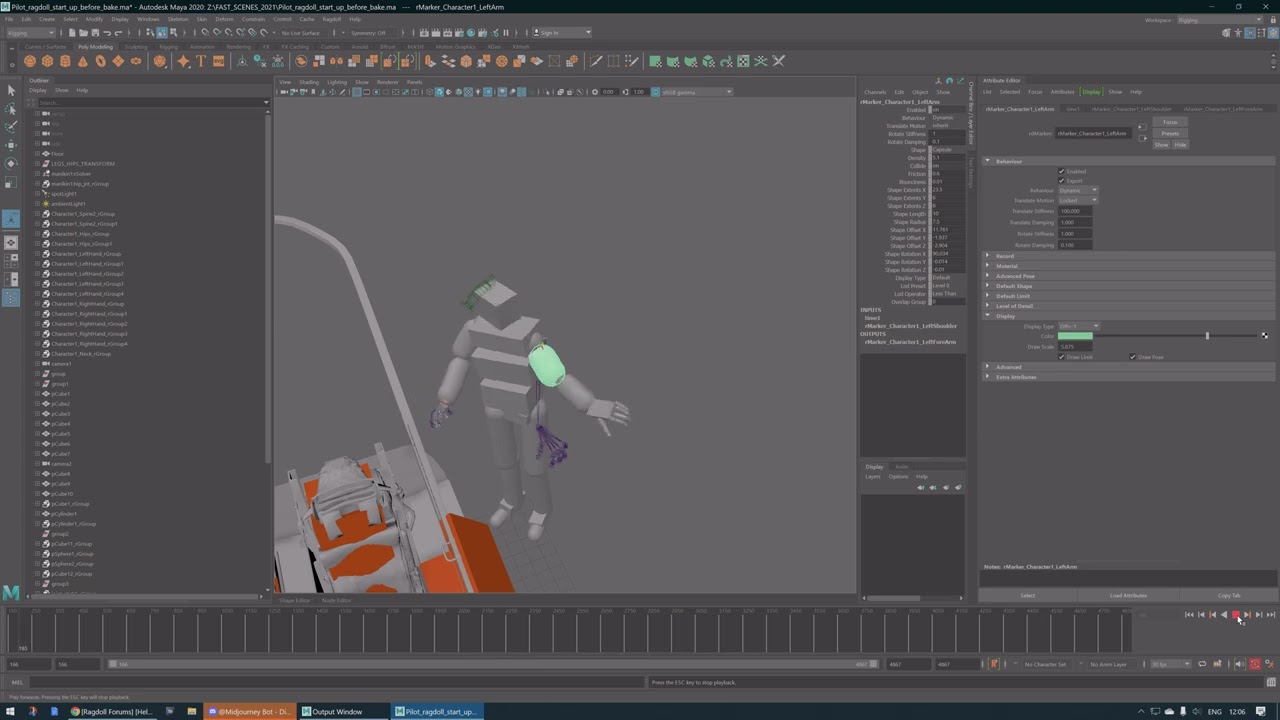
The Limits ‘angle gizmo’ visibility can be viewed only in the first frame of animation. In other frames it disappears and ticking the on/off box does nothing. Here are two videos: first is the problem, and second is the solution that worked in my case:
Problem:
Solution:
- SWITCHING OBJECT’S BEHAVIOR TYPE WHILE ANIMATING IT WITH KEYFRAMES:
- Animating kinetic / dynamic body with keyframes should be done before assigning it to Ragdoll solver. If you don’t do it, then you have to animate on splines in the first frame only. Trying to animate in further frames results with problems (effect not visible until you get back to the first frame and so on. I had to turn off caching completely to be able to manipulate objects with keyframes.
- RAGDOLL CACHE WORKFLOW EXPERIENCE
- It seems cache should be off for most time, only for preview purpose. The first frame of timeline is most important. In long animations (mocap based) it may be a problem, since keyframing the object mid-animation requires to re-watch the thing from the start again and again. But since it is physical (deterministic) model there is possibly no other way.
- QUESTION: HOW TO KEYFRAME OBJECT UNDERNEATH, DRIVING IT’S DYNAMIC SIMULATION?
- When rigid body is initiated into simulation as dynamic, there is no simple way to introduce the basic keyframed animation driving the dynamic type of motion. As video example - look at the stick - I had to switch kinematic-to-dynamic multiple times to achieve the two-sided interactions of hand and stick:
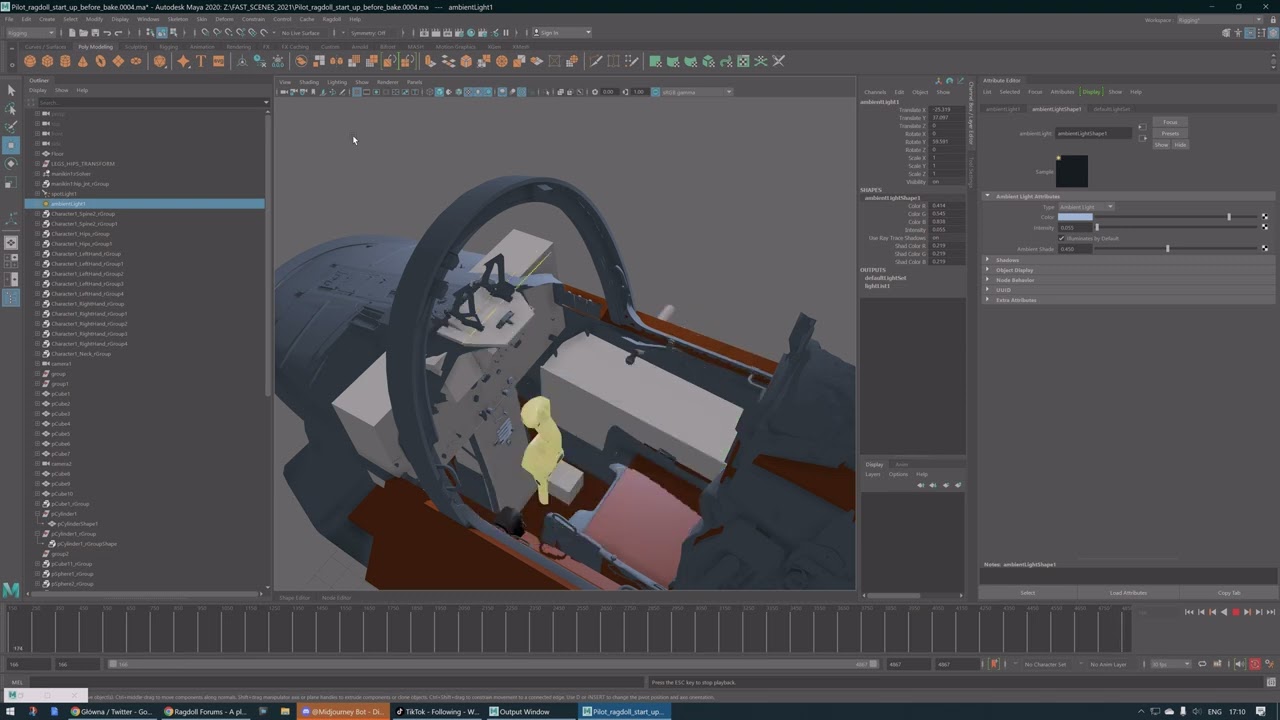
(This is weird because mocap rig IS the keyframed animation and adding dynamics onto this base motion works without problem. Perhaps there is a IK hierarchy or joints needed? I even tried the simple case of bouncing ball with keyframed base animation and couldn’t make it work. It would be great to see a solution on the simplest scene, bouncing ball for example)
- RESULTS
The final result can be viewed here. Rokoko glitchy mocap corrected with ragdoll dynamics plugin. There are bad moments, but in final movie these are different camera angles:
Thanks, please take your time in eventual reply.