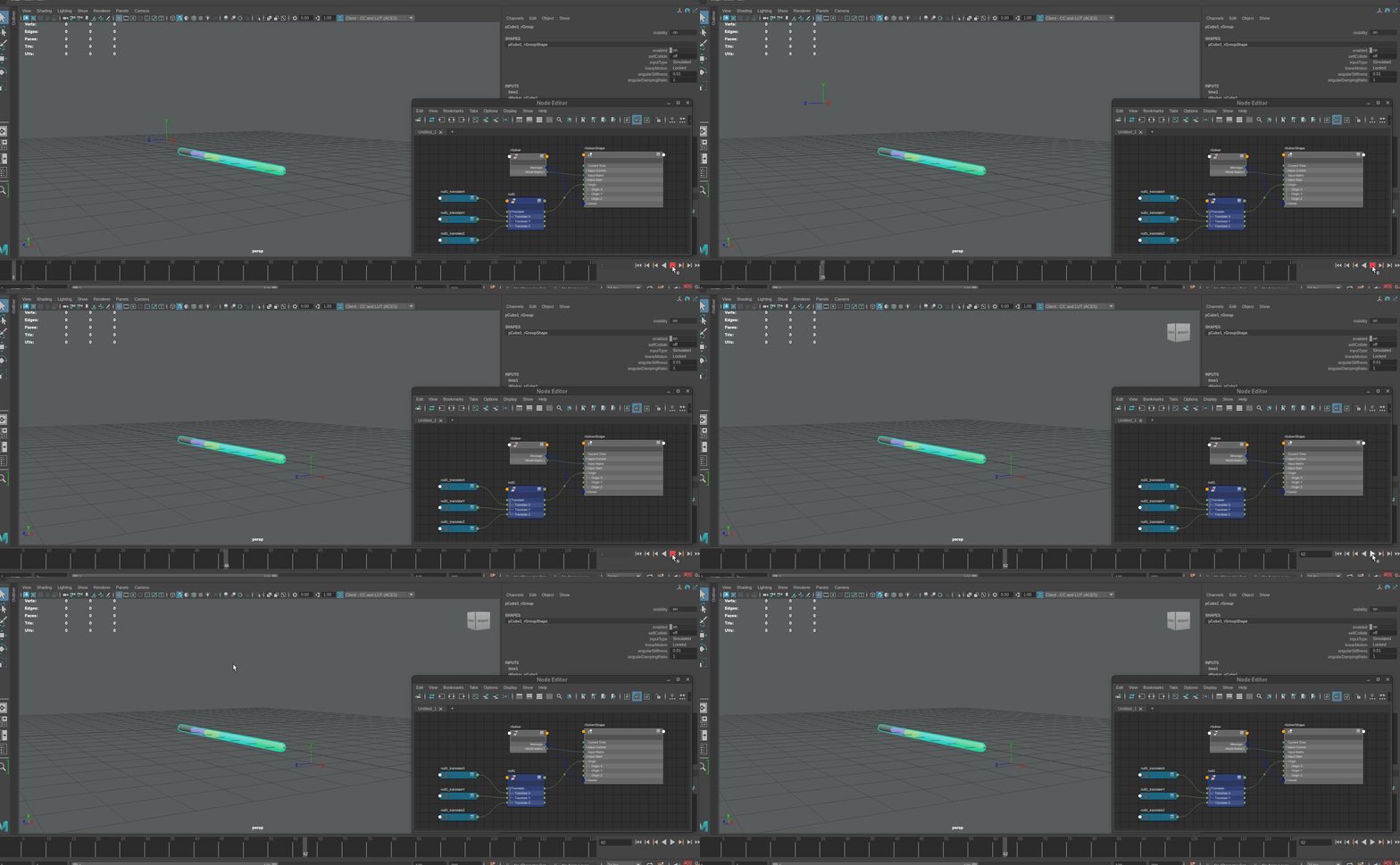
We have a character that is zooming through the scene. In the past, we’ve solved this by using a script to mute the translation and keep the character more or less in the same place.
A more ideal approach for us would be if we could constrain the solver to our character and then, since the character does not translate relative to the solver, have the root motion muted automatically. Since the inputMatrix is already used to determine where in a scene the markers are displayed, can we add a simple originMatrix that determines the simulation space? I found the origin float3 attribute, but that does not appear to do anything when animated.
I attached a small clip to show the origin animated. There is no gravity here to make it quasi static and I would expect to something here.
Yes, an offset matrix of sorts on the solver would be ideal; like how translating the nSolver works with nCloth. It would be doable, and I’ll see if we can incorporate this for the next release.
Until then, here’s how you can accomplish it the old-fashioned way.
from ragdoll.vendor import cmdx

offset = cmdx.encode("rGround")
for marker in cmdx.ls(type="rdMarker"):
    driver = marker["inputMatrix"].input()

    with cmdx.DGModifier() as mod:
        mult = mod.createNode("multMatrix")
        mod.connect(driver["worldMatrix"][0], mult["matrixIn"][0])
        mod.connect(offset["worldInverseMatrix"][0], mult["matrixIn"][1])
        mod.connect(mult["matrixSum"], marker["inputMatrix"])
The final challenge then being to un-offset the resulting keyframes, which you could achieve by e.g. applying the offset animation onto the root/placement-controller.
Having this as an attribute on the solver would handle both of these cases, so there definitely is a use for it. Thanks for the suggestion.