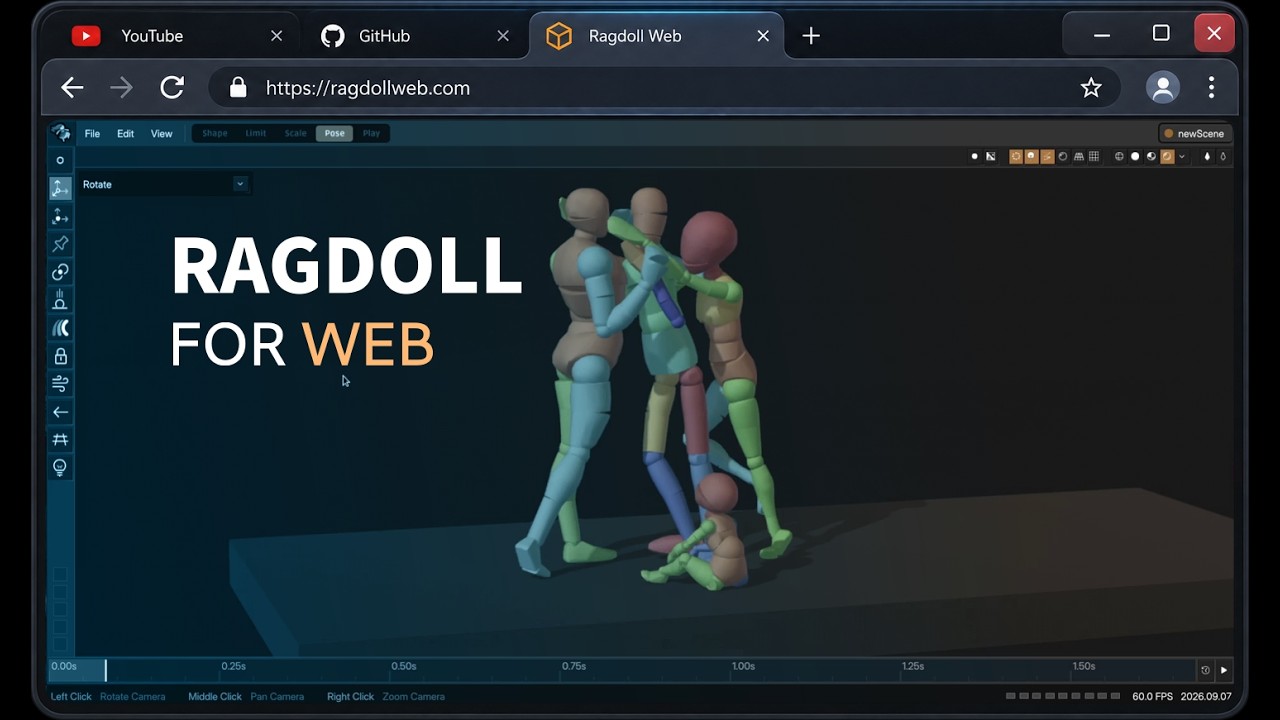
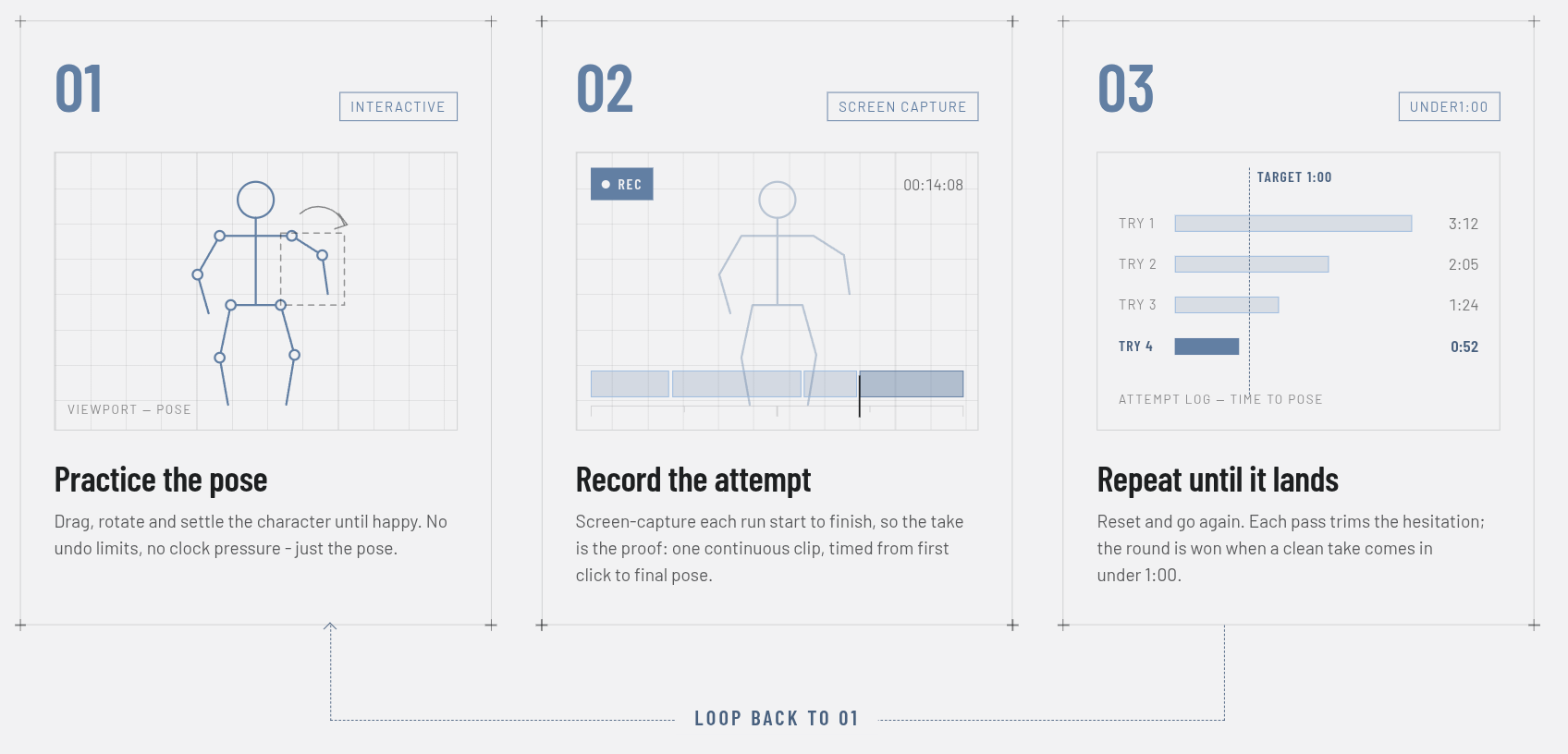
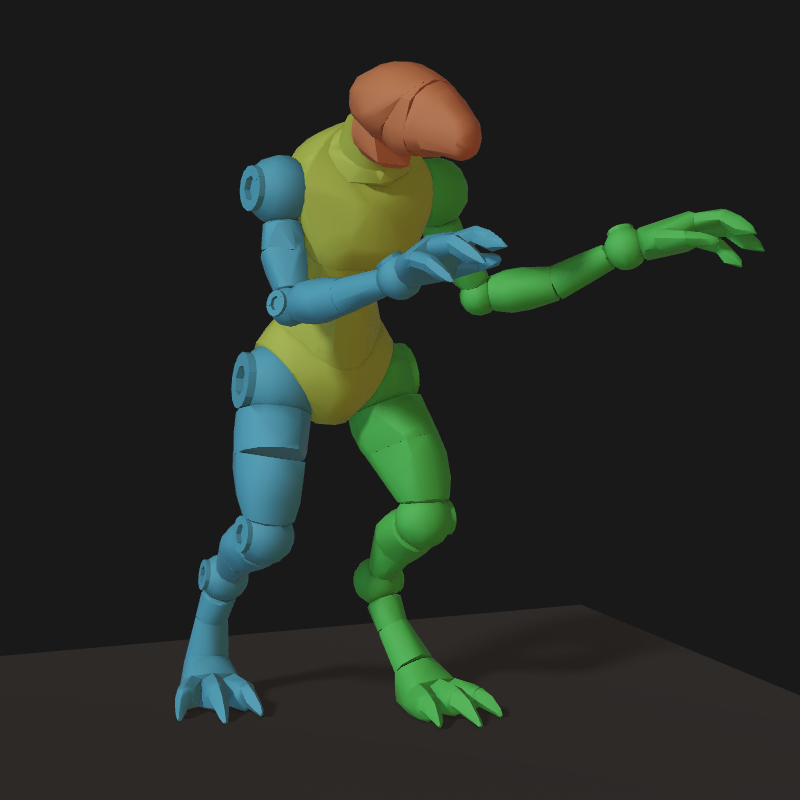
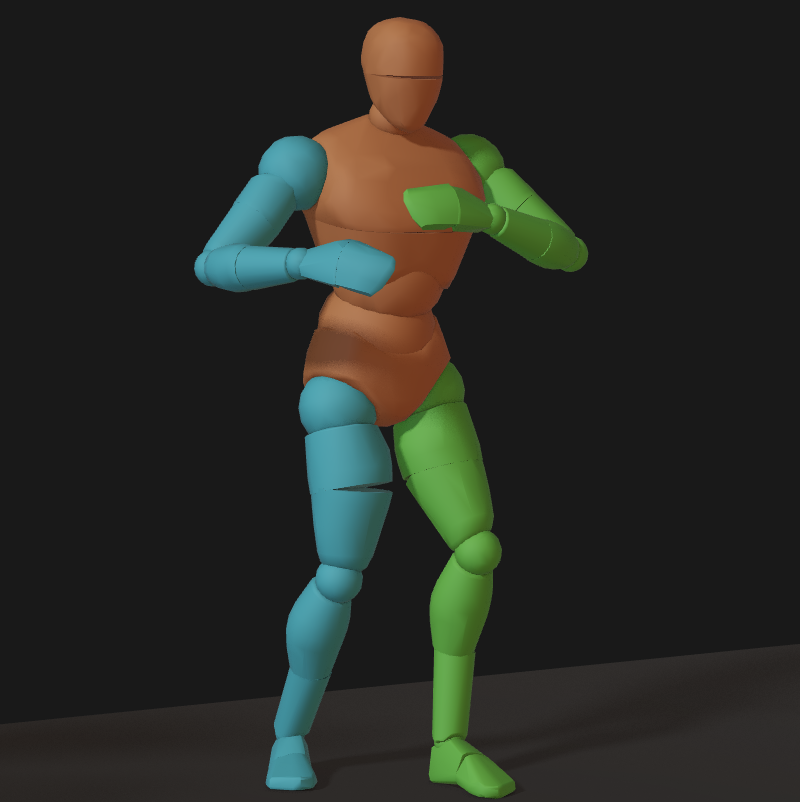
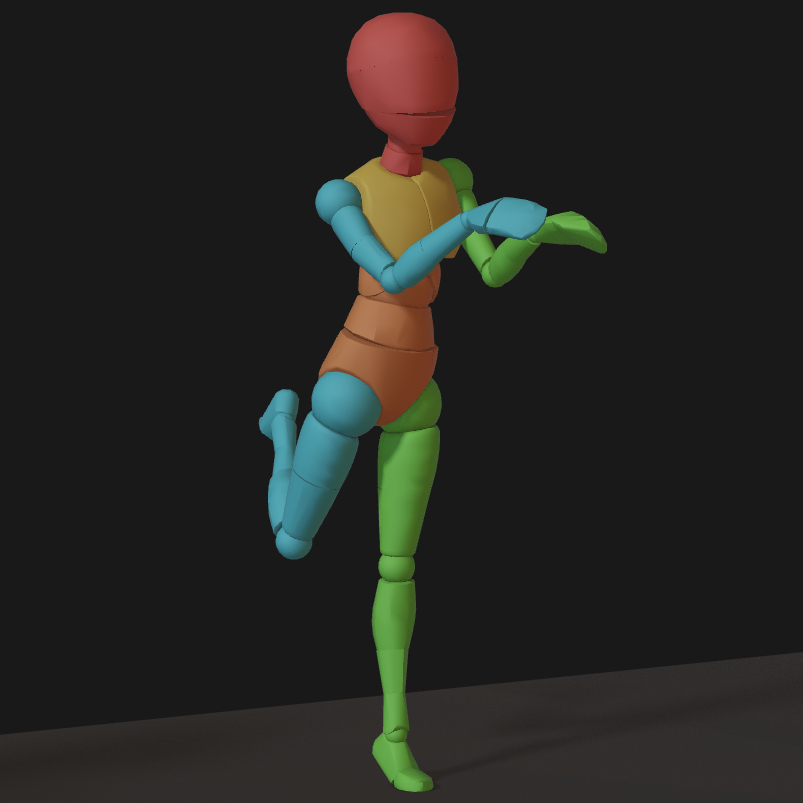
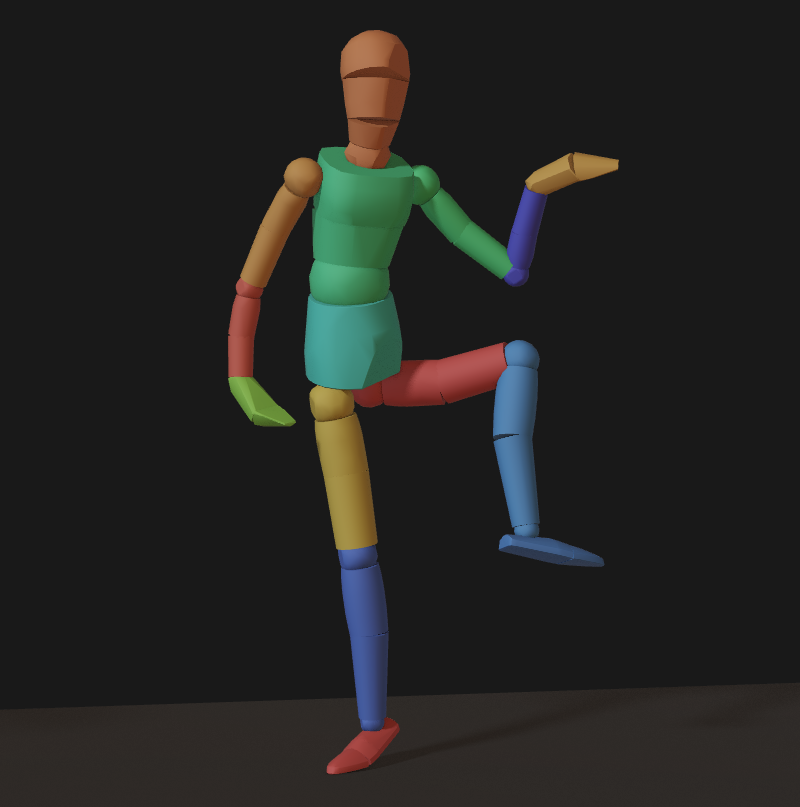
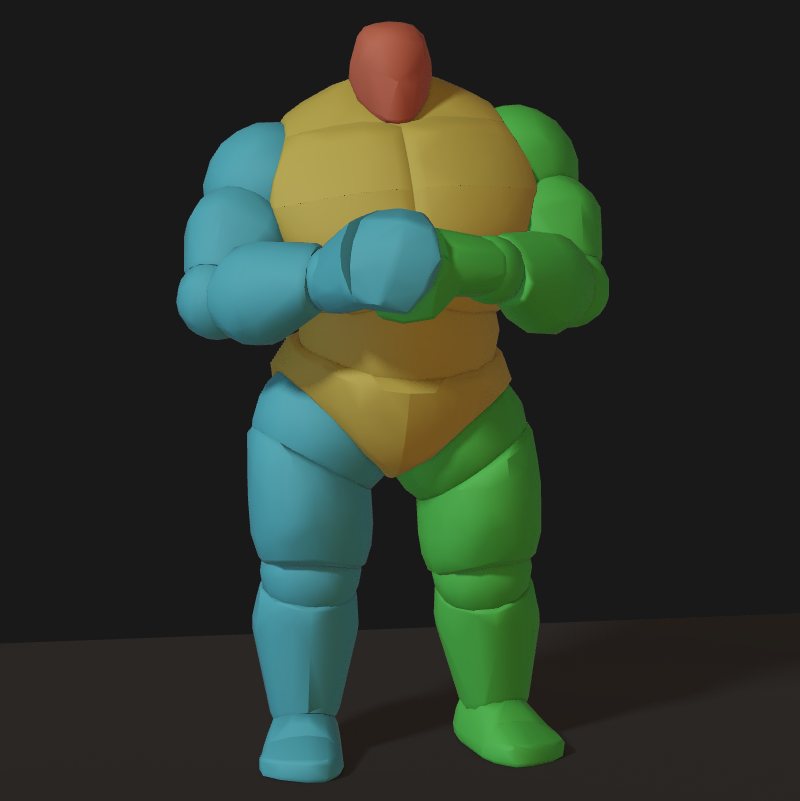
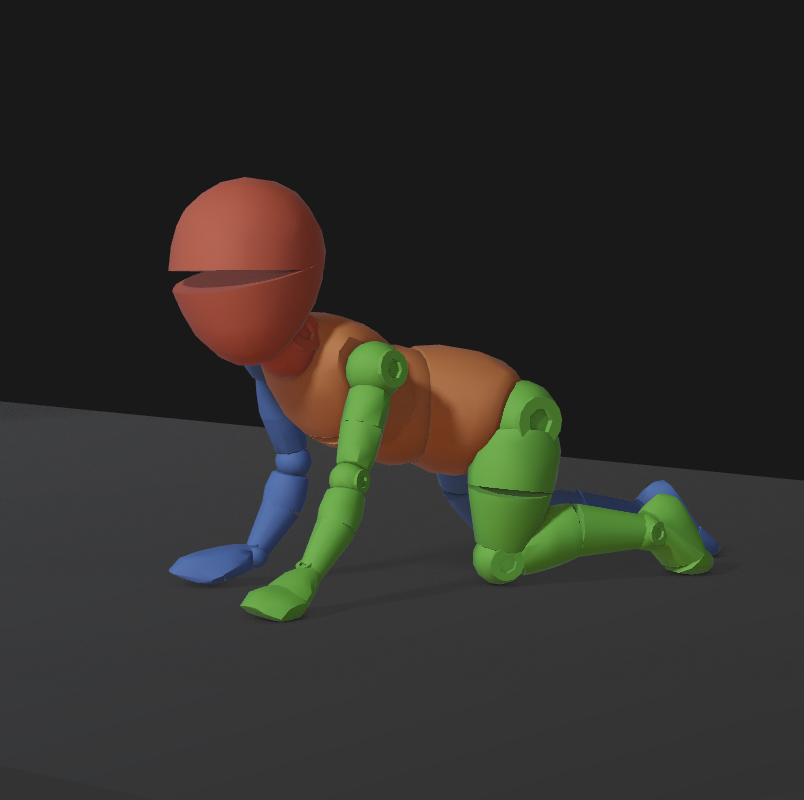
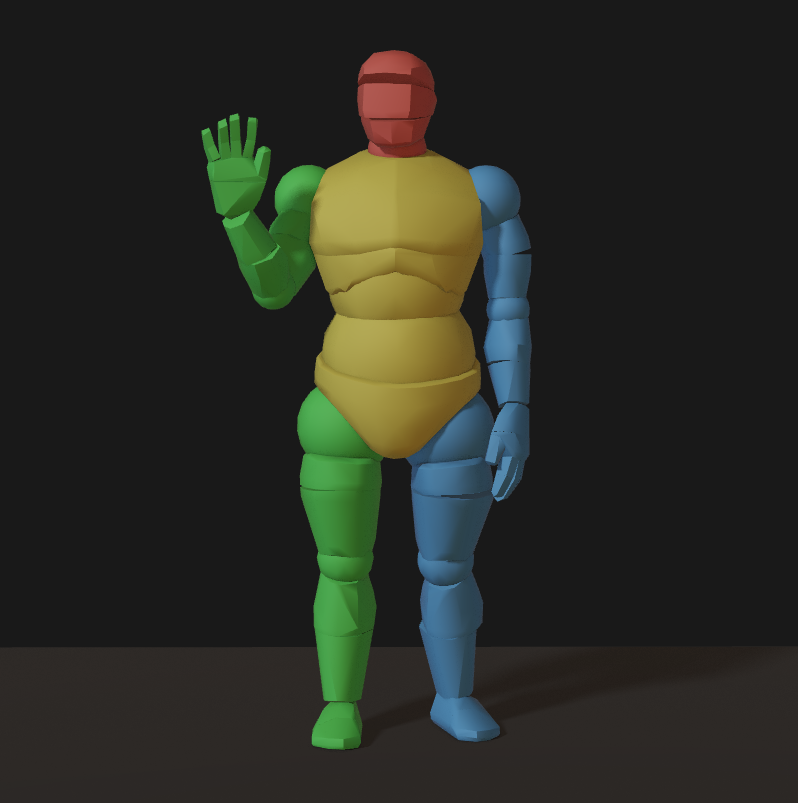
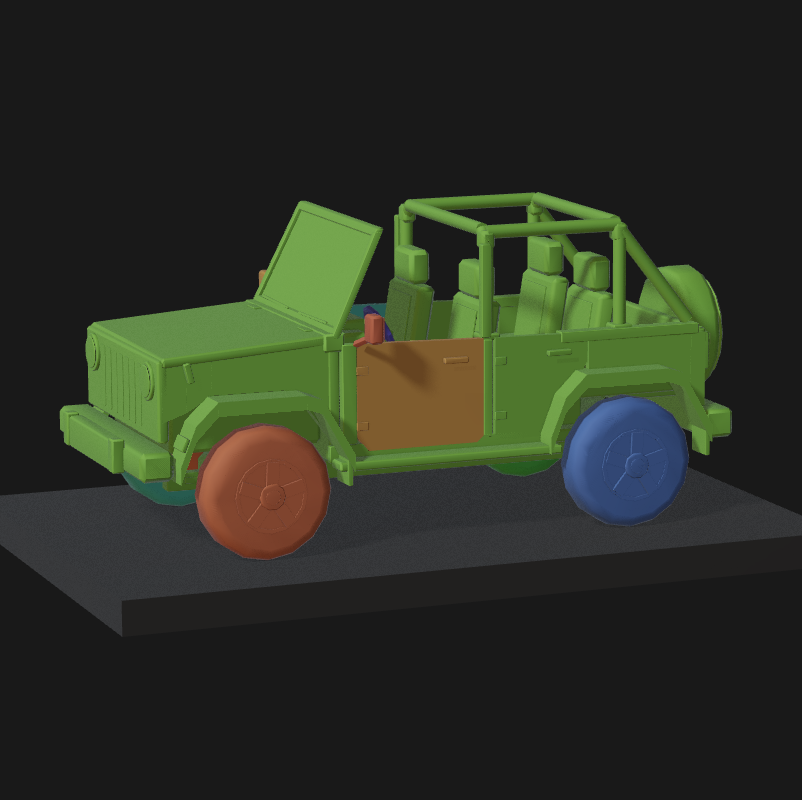
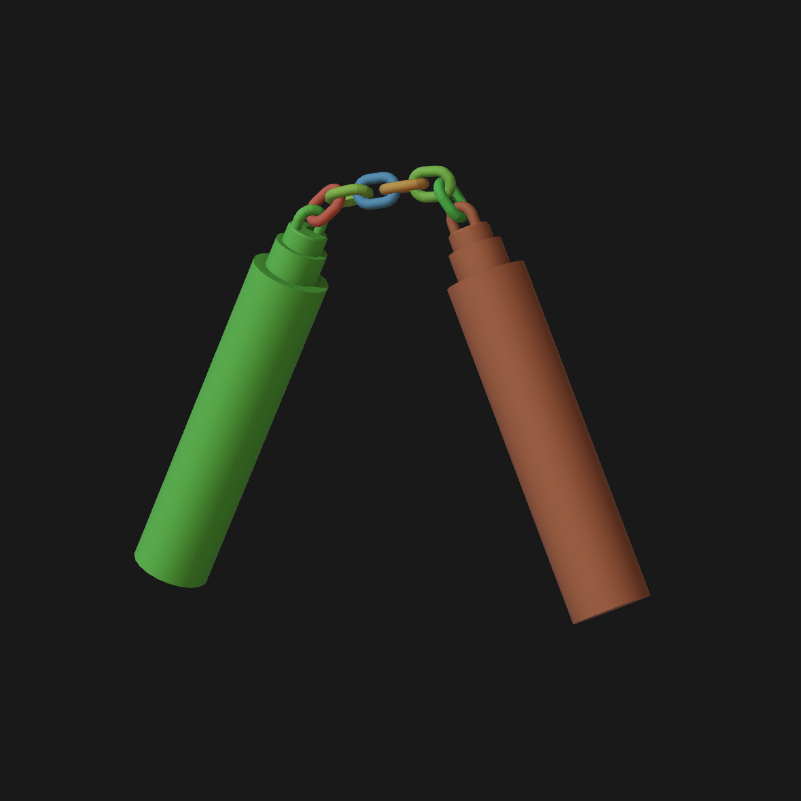
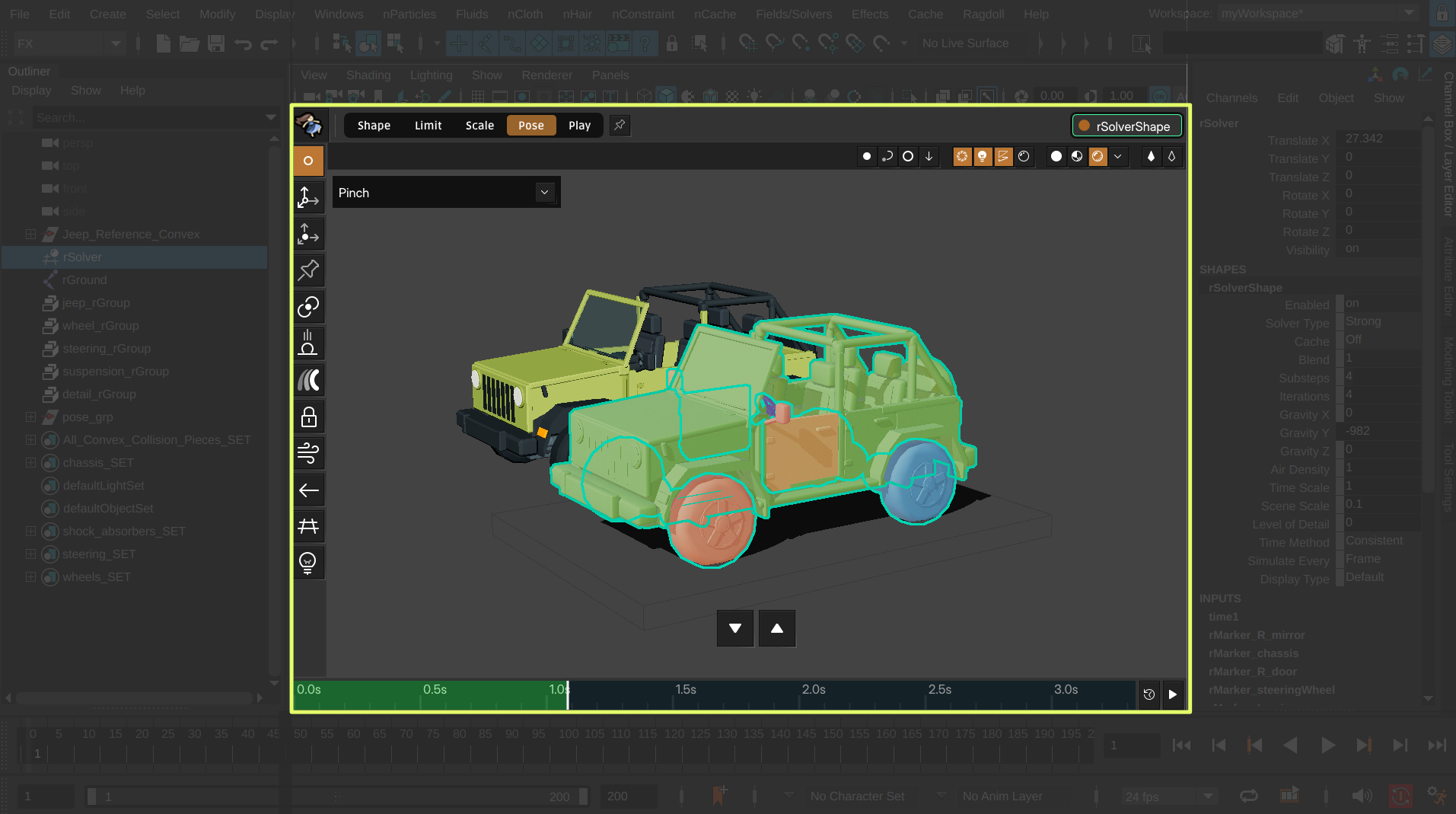
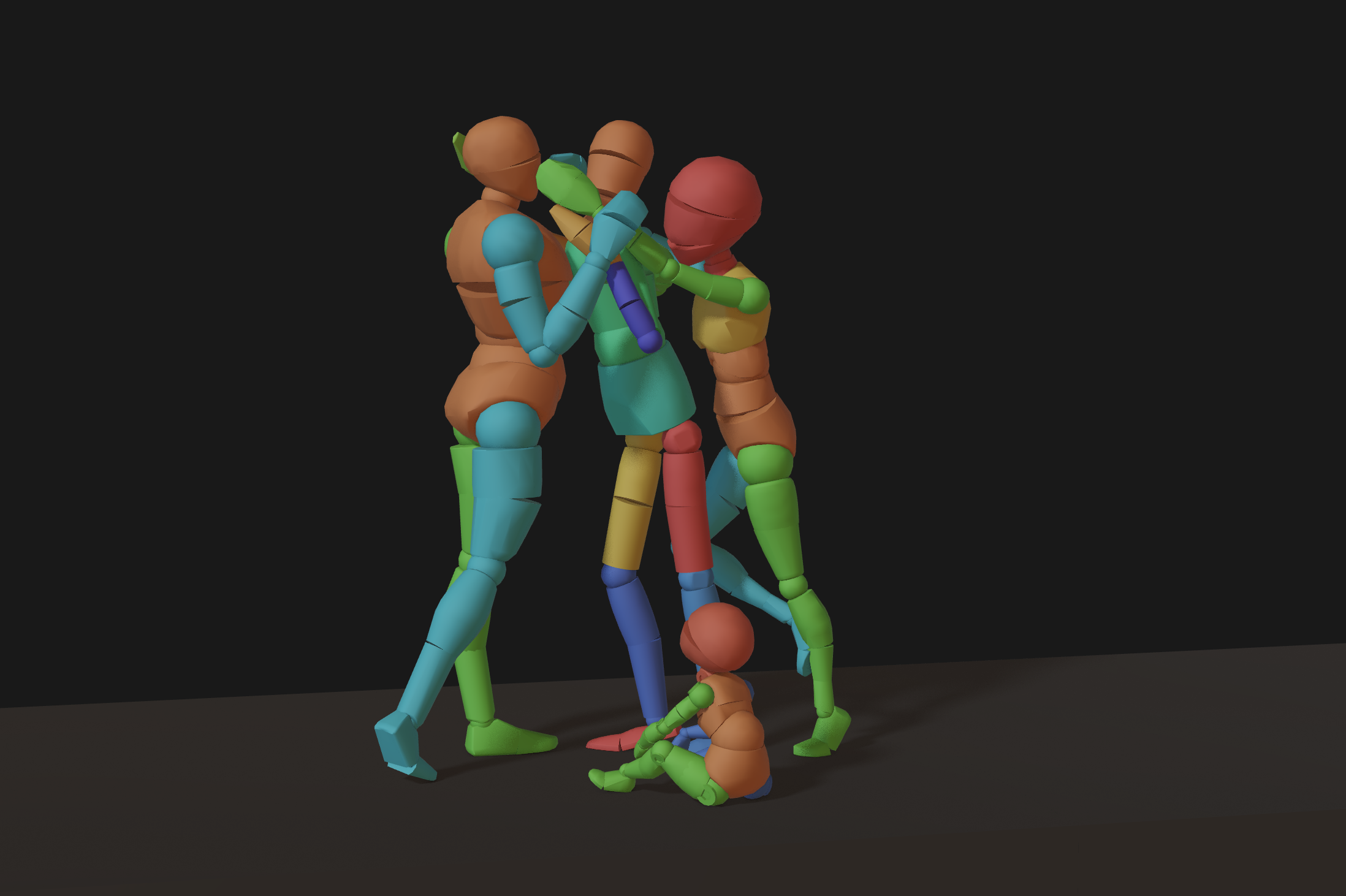
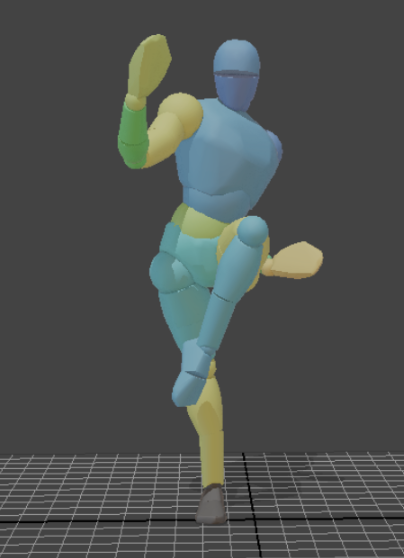
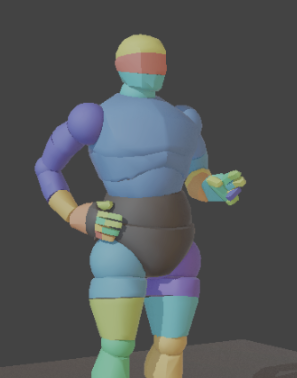
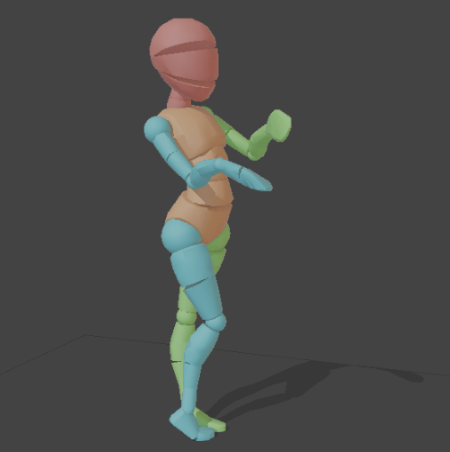
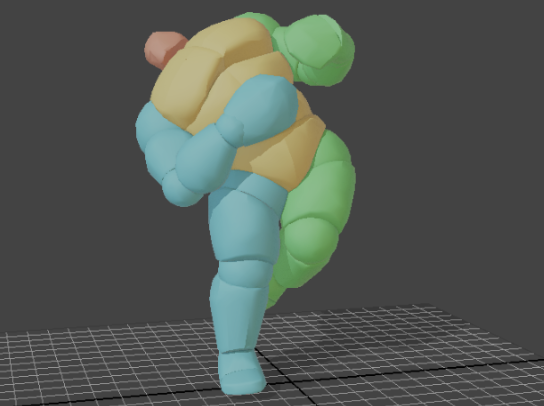
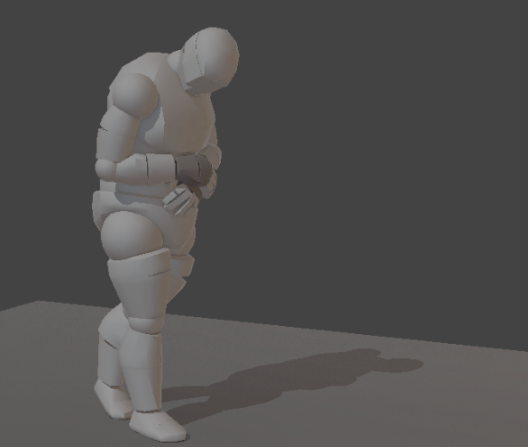
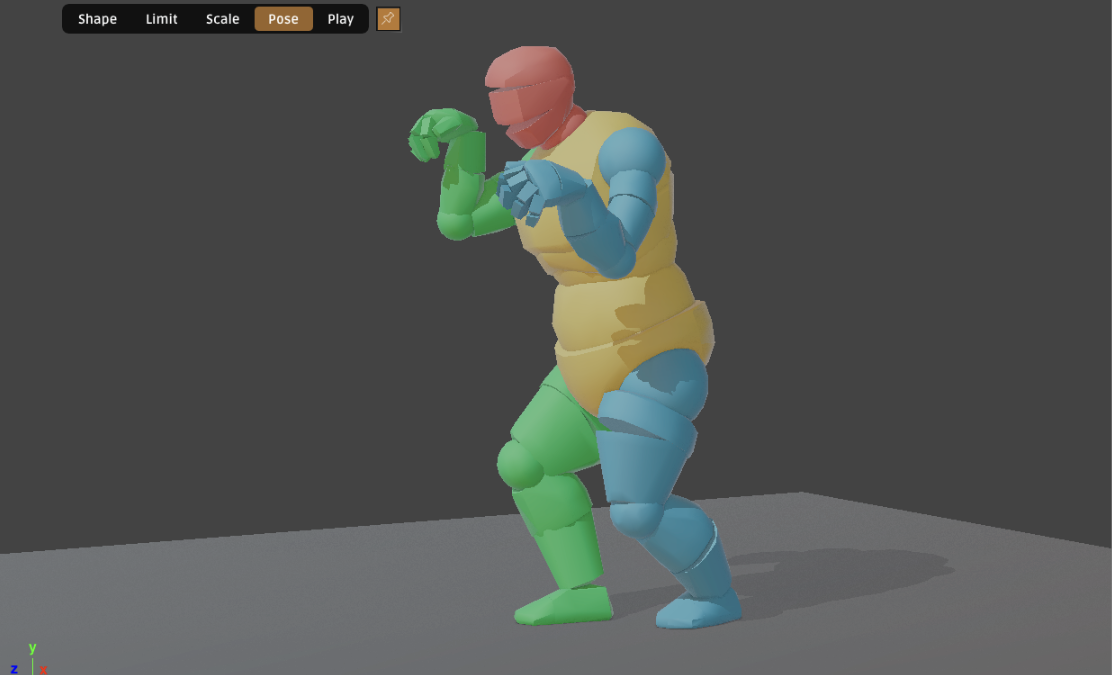
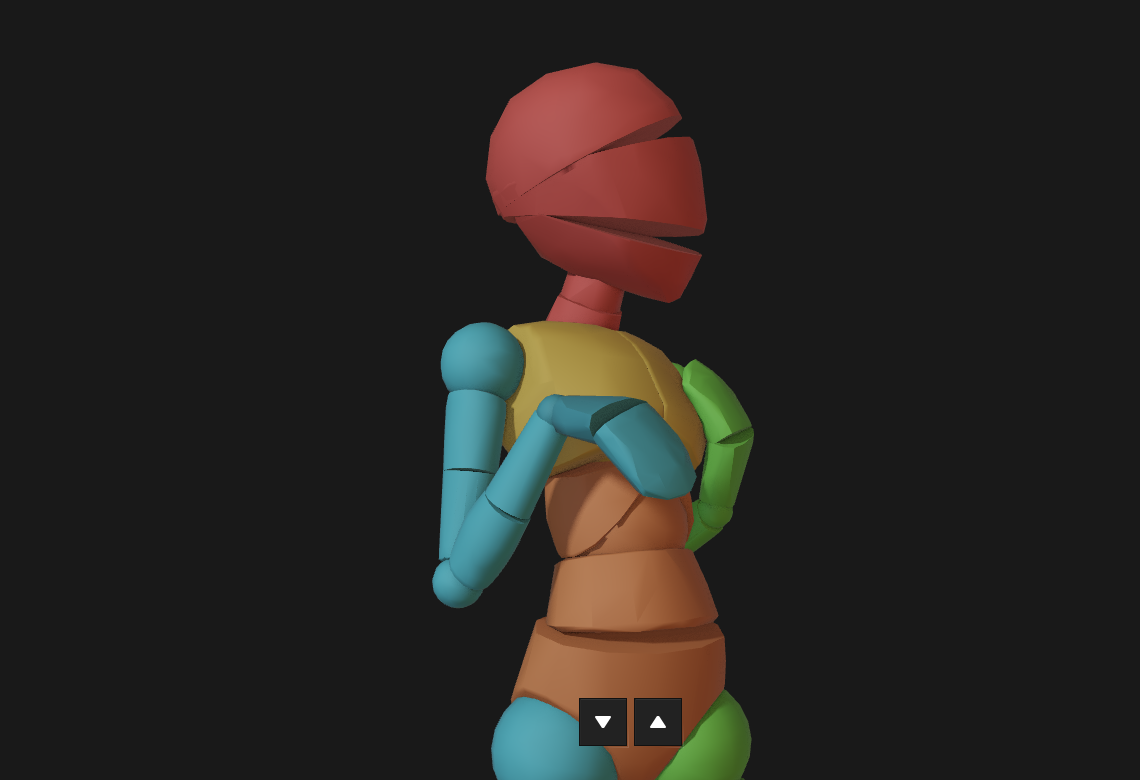
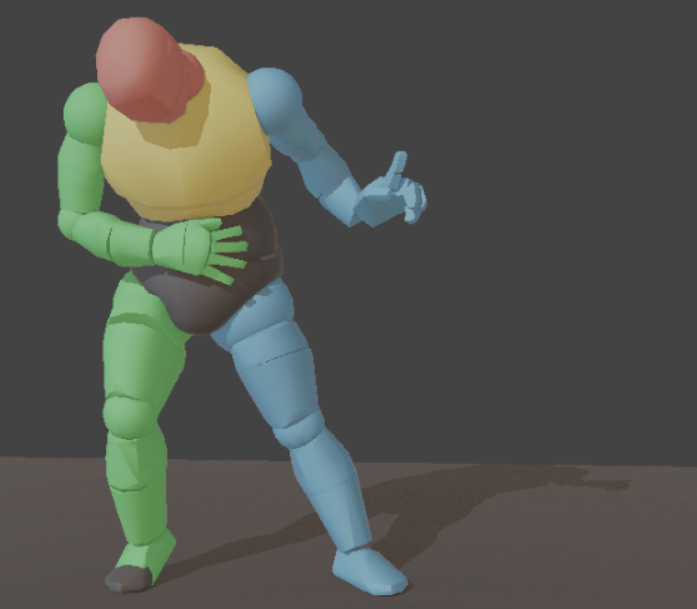
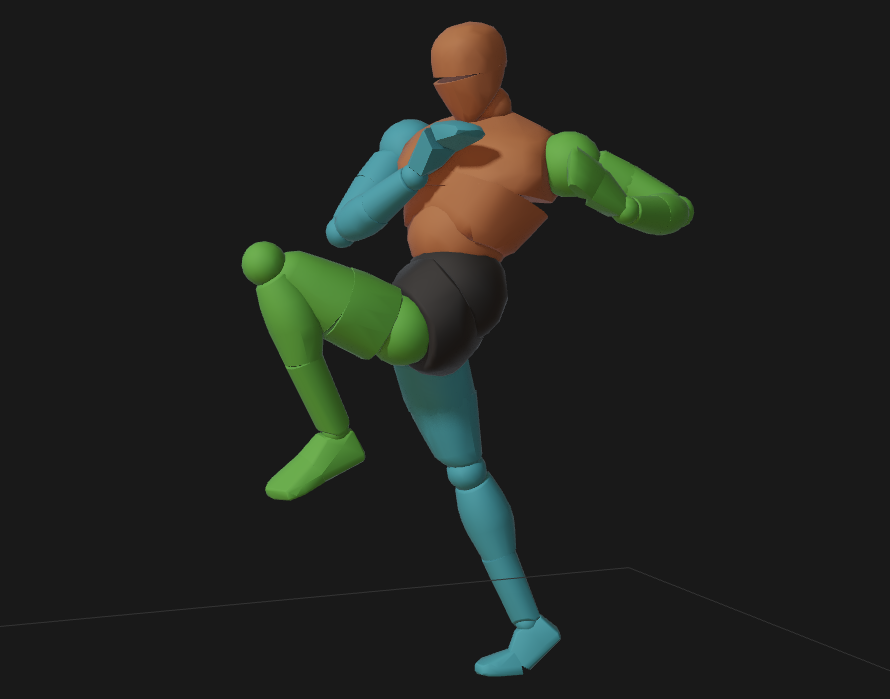
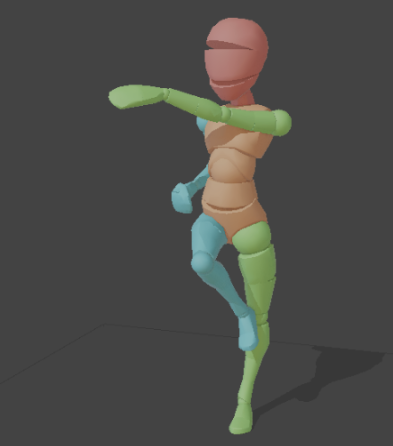
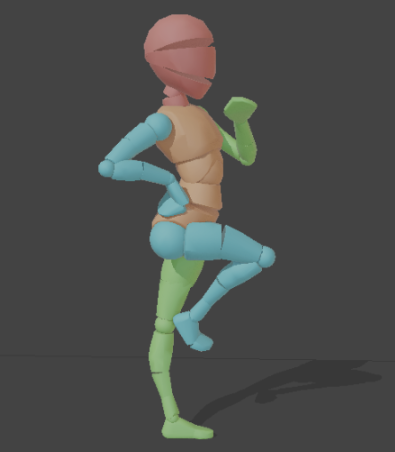
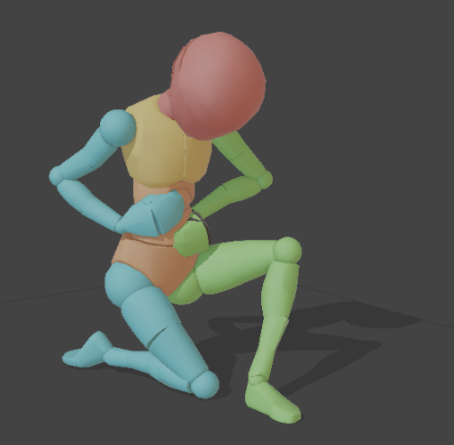
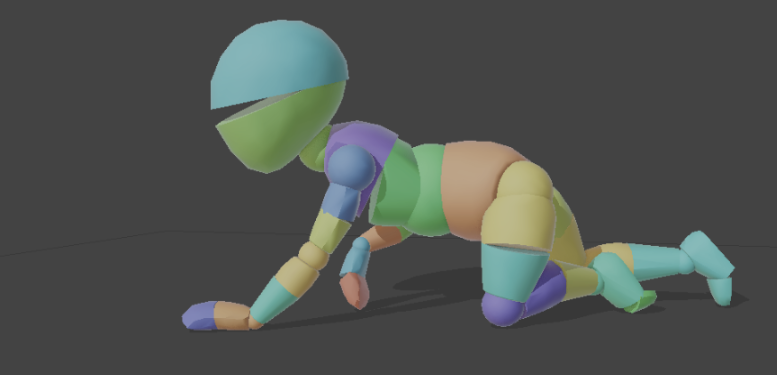
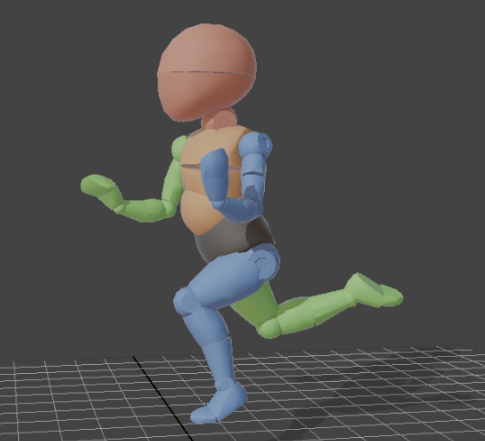
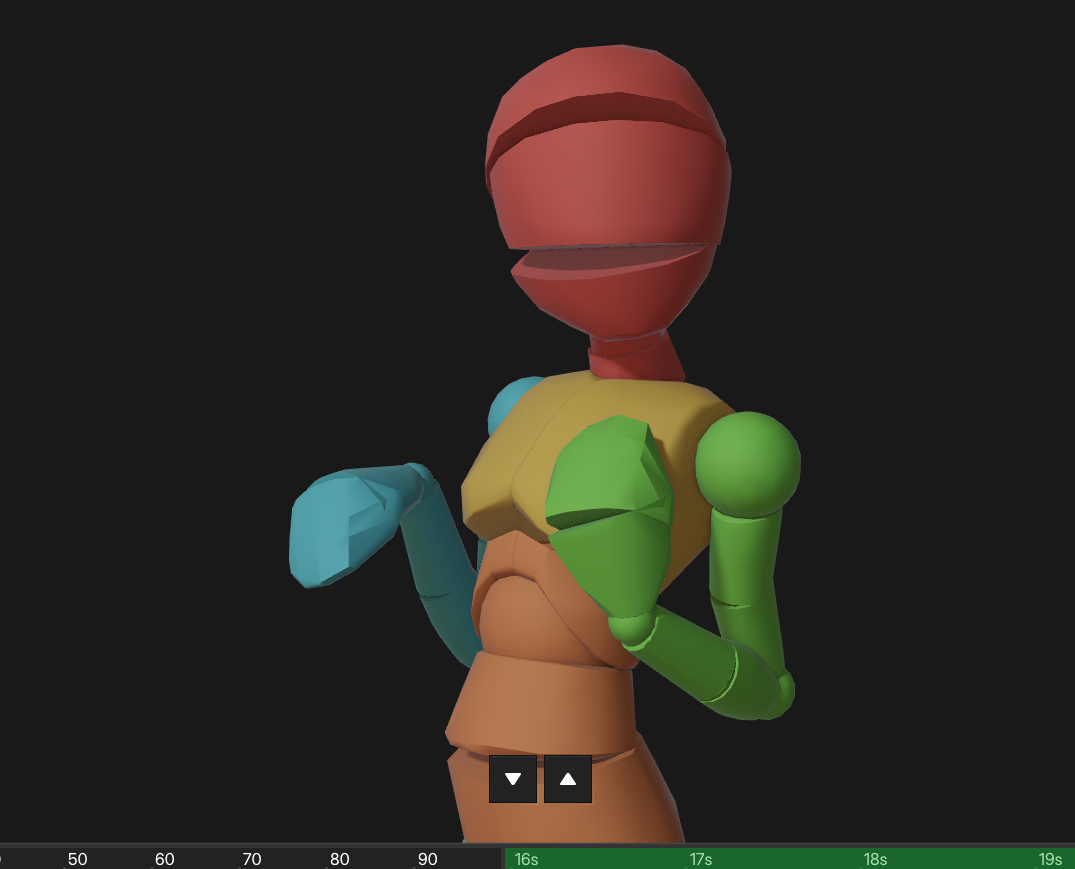
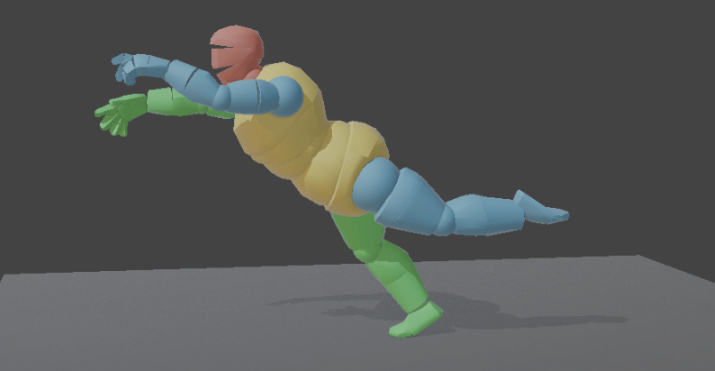
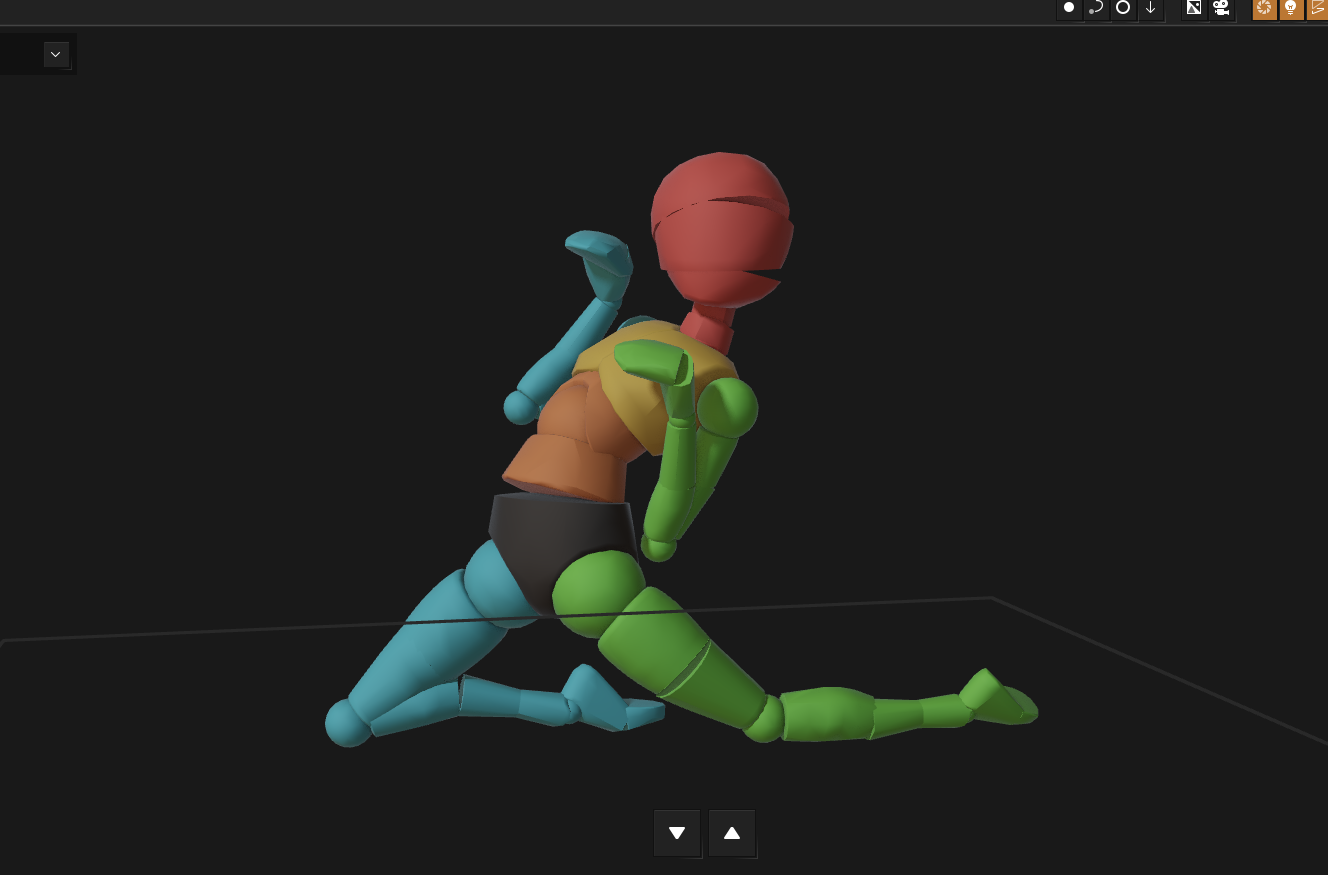
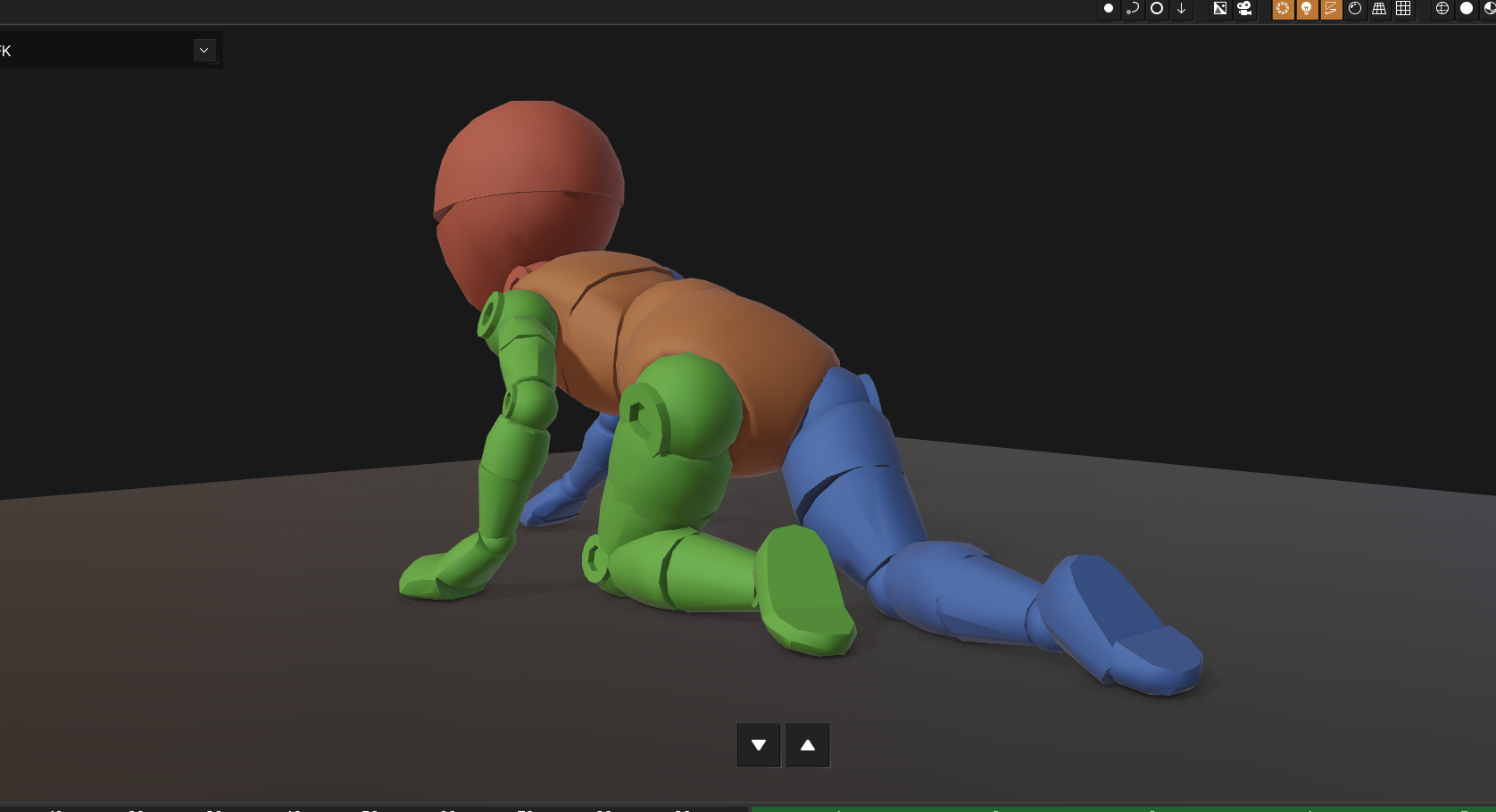
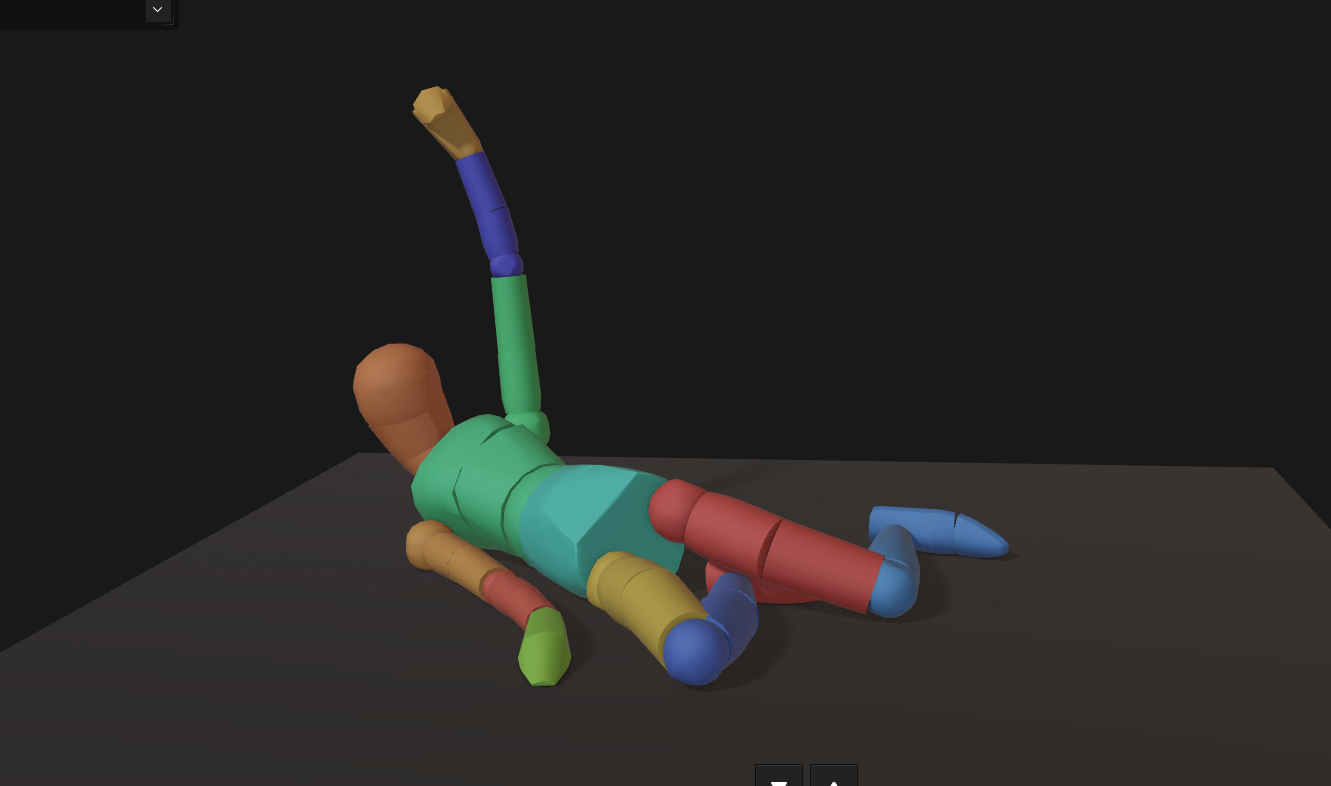
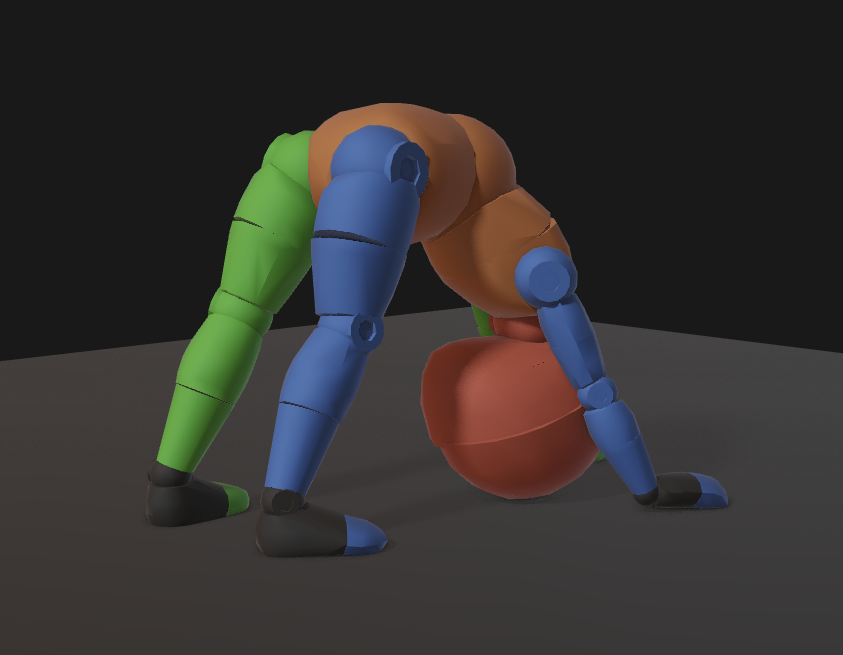
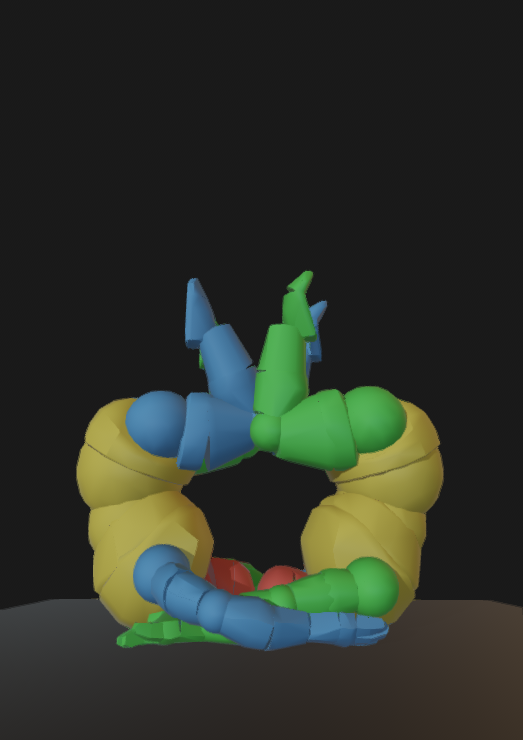
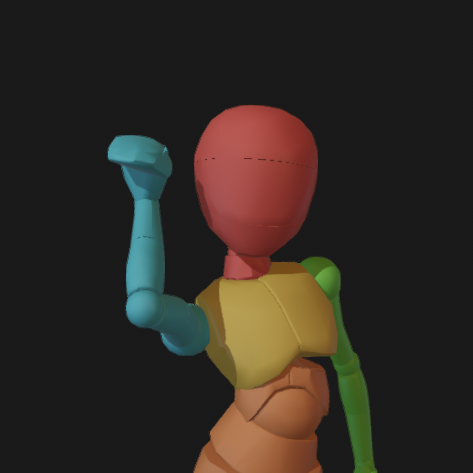
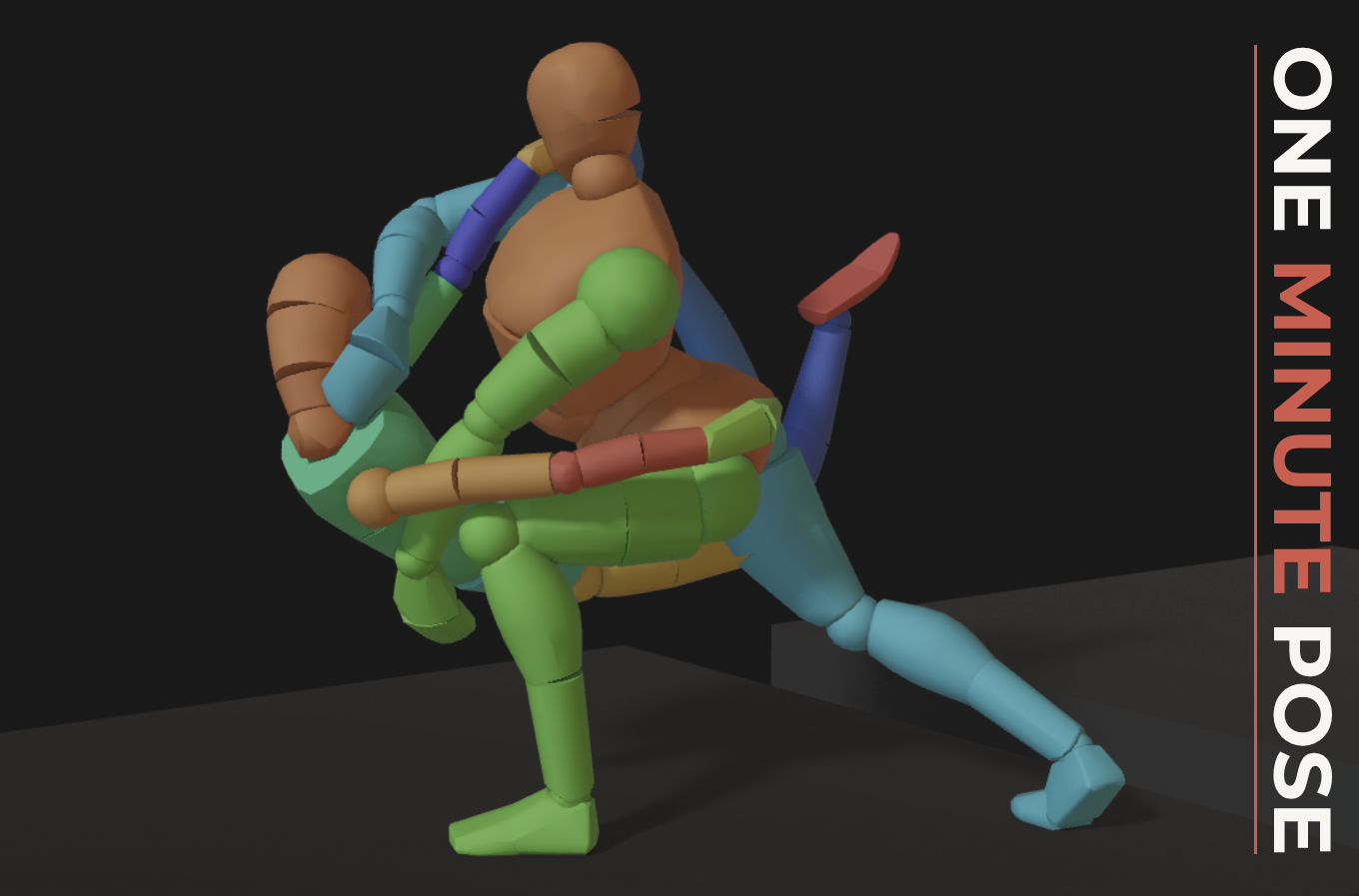
We’re launching the One Minute Pose Challenge. Prizes are given to those who can produce the most interesting pose in under 1 minute, featuring the complete screen-recording of their workflow.
Starts today, on the 10th September and runs until 24th October!
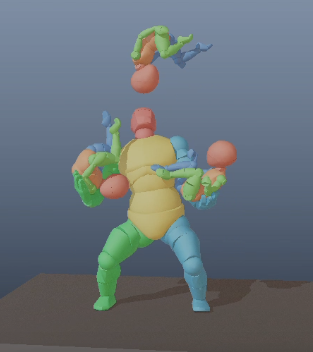
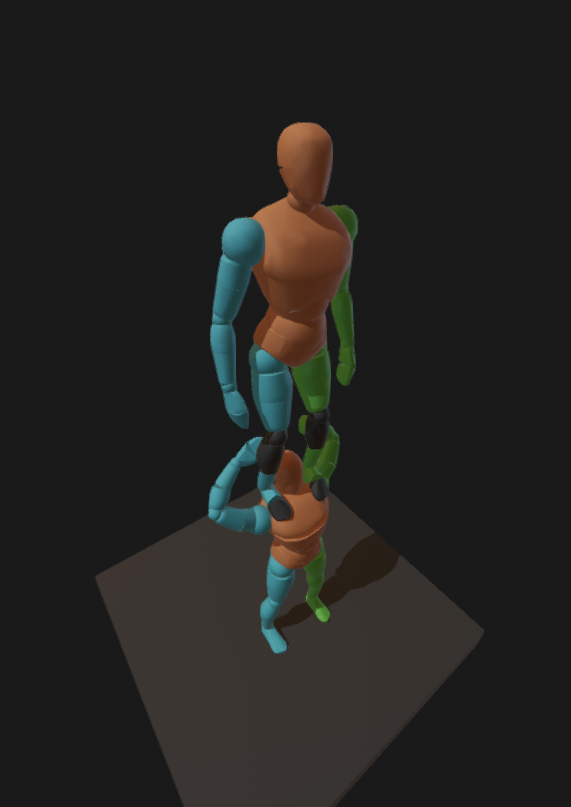
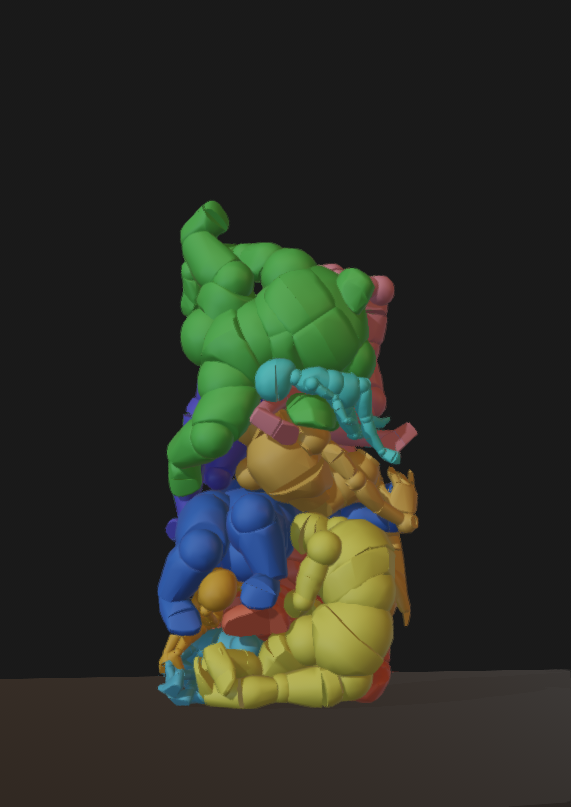
For a pose, this one has a lot of things going for it; it’s clearly not a static pose one can hold, it emphasizes motion. The posture of the man is reasonable for the action being performed - supporting the weight of the juggle. The poses and position relative the hands of each child is reasonable - with each of their center of masses forming a clear arc.
For a process, Emily uses the natural lag of unselected limbs to her advantage and “flicks” the children into their correct crunched up pose. She intentionally has the children collide with the hands to create proper contact between them to emphasize their weight.
Overall, this is a top tier submission that would have been considered for a place on the podium!
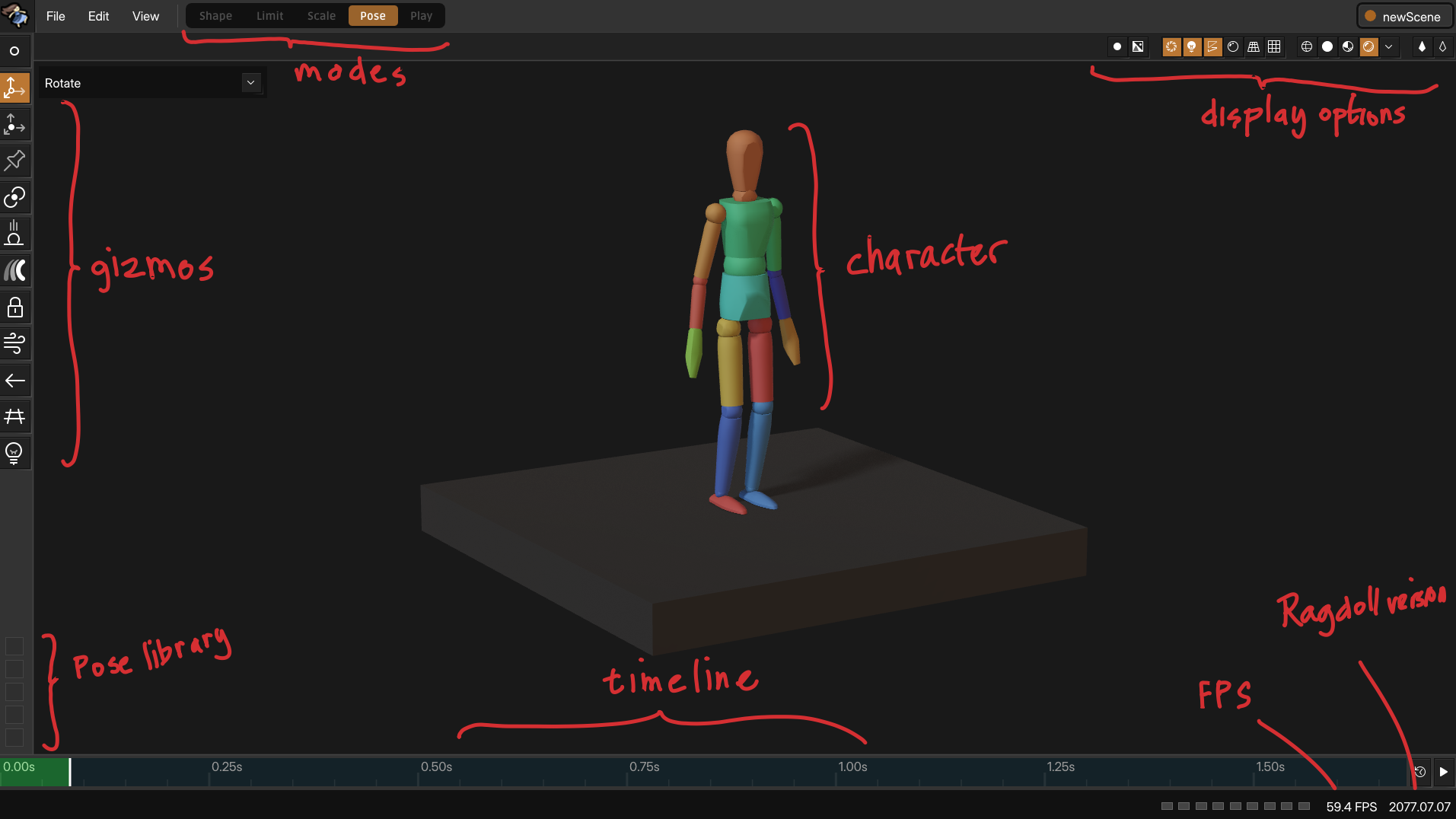
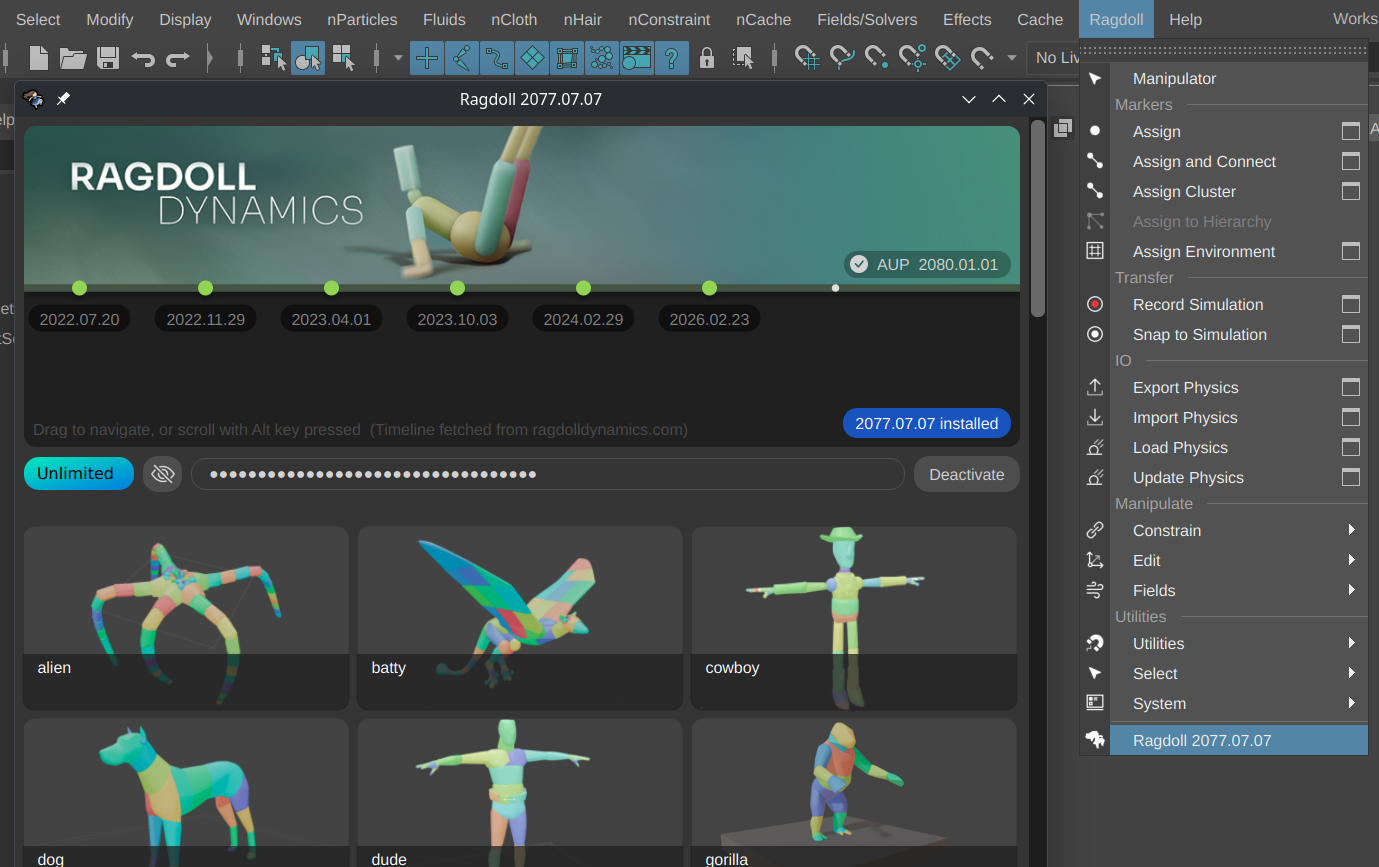
Participation is free, no licence is required. If you have and prefer to use Maya, a trial or expired trial is sufficient. If not, Ragdoll runs in Safari, Chrome, Edge, Firefox, Opera and virtually any browser from the last 5 years.
To the winners, 3 licences totalling $2400 are on the line!
1st Place
2nd Place
3rd Place
Ragdoll Unlimited
Ragdoll Freelancer
Ragdoll Personal
Branded Ragdoll notebook
Branded Ragdoll notebook
Ragdoll Statuette
Feedback on video submission
Feedback on video submission
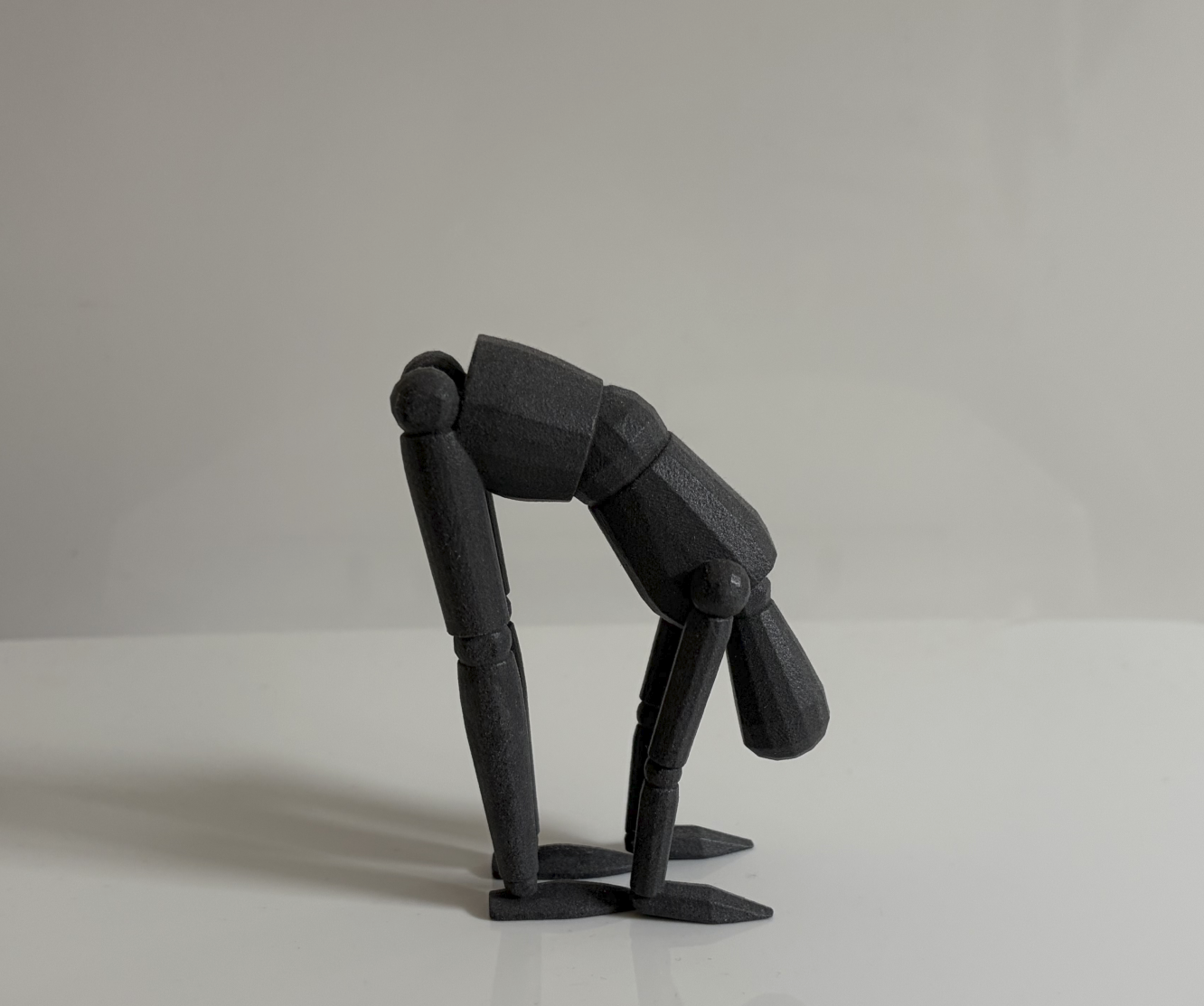
Here’s the statuette for the winner.
3D printing by @shinjipons with Formlabs equipment
The licence alone is worth up to $1,999 and applies to both Ragdoll for Maya and Blender, and the upcoming Standalone. It includes 1 year of free updates, including those currently in the works following the Posing phase.
The physical goods will be shipped to you following the conclusion of the competiton, we will reach out to you for an address you’d like them sent to.
Try to capture only the parts relevant to Ragdoll. Exclude the web browser and Maya UI if possible.
If you’ve never recorded your screen before, here’s a brief run-down.
Windows
Type Snippet Tool into your Start Menu or press Win + Shift + S
Click the Video button to record video
Drag an area of your screen to record
Profit
MacOS
Shift + Command + 5
Click “Record Selected Portion”
Drag an area of your screen to record
Profit
Linux
As a Linux user you are expected to either have a studio environment with access to screen-recording software, or be savvy enough to figure out recording using one of the many open source options out there.
Walk off the beaten path with these alternative options for Windows, MacOS and Linux. These also let you crop and trim the recording once you’ve recorded, for that final touch.
 Make your submission as a