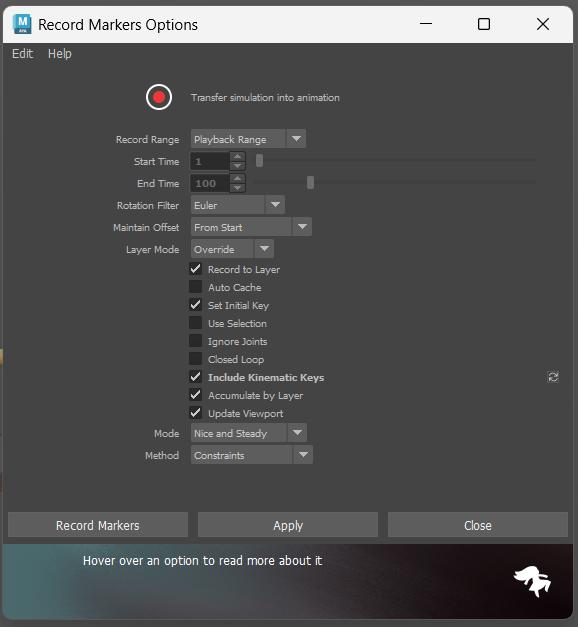
Thanks for those videos! Quick question, was that happening after “Record Simulation”? If so, can you screenshot your simulation record settings? Or it just starts wobbling after marker assigned?
That sounds strange. Because markers should have no effect to the rig before recording.
Is it possible to share the scene with us? By upload to the forum here, or email to us. If not, what about a minimum reproducible? Like, remove everything else (things that are not shareable), and only keep the spine joints and markers, with a simple up-down animation, no mesh.
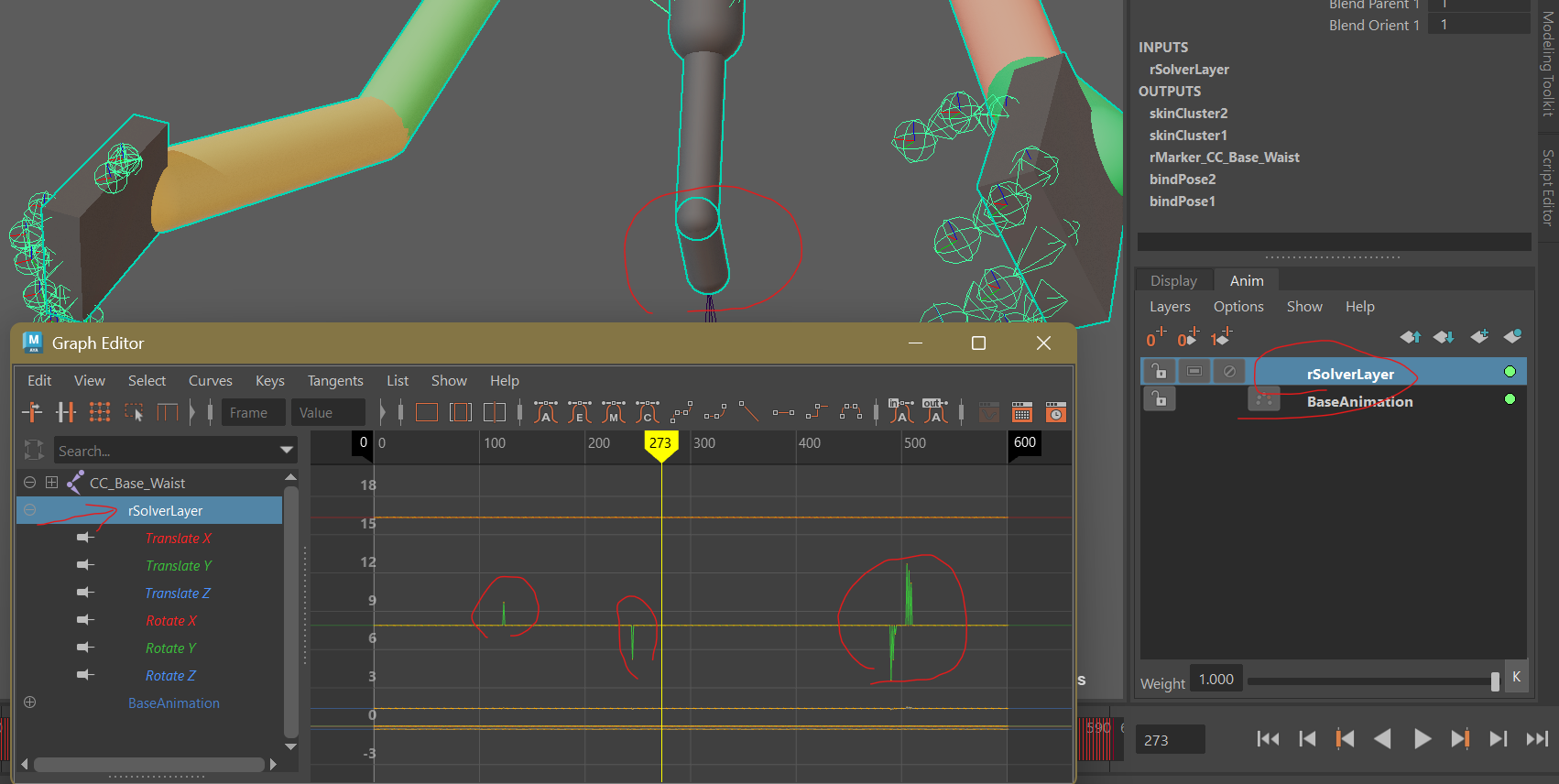
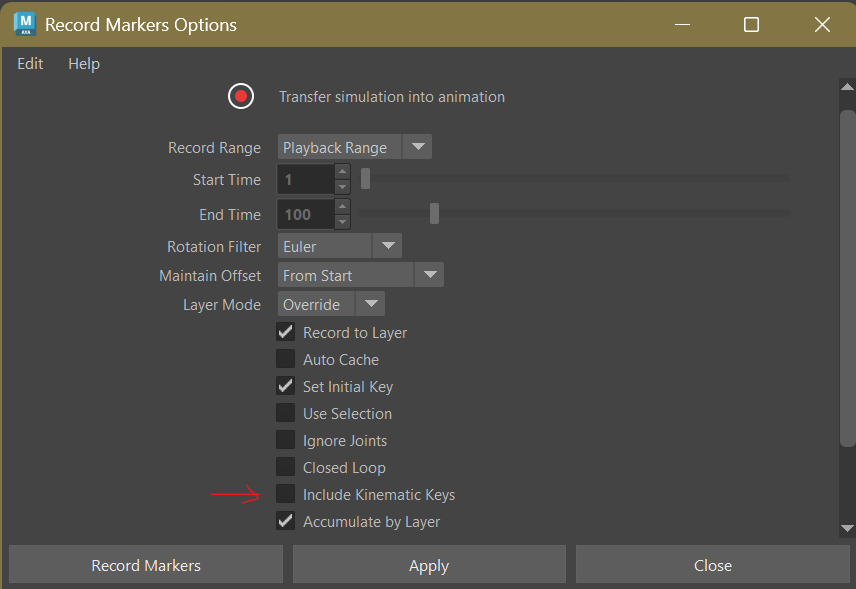
I found that glitch was actually from record simulation. As you can see from my screenshot below, the wobbling you were seeing is coming from rSolverLayer. With recording option “Include Kinematic Keys” enabled.
Try delete rSolverLayer, and re-record the simulation with “Include Kinematic Keys” unchecked, the wobbling should be gone.
But this indeed is a bug, so I will keep looking into it. In the mean time, see if uncheck “Include Kinematic Keys” works for you.
Sorry, you are right @Tetsuya_Hida. The glitch happened before simulation recording. In my recording below, I have rSolverLayer deleted and at frame 123, it is clear that all the markers suddenly stopped.