Once I record the simluation, I’ve tried on blender 4.3 and 5.0.0, the markers start stretching out infinitely, and it gets worse if I try to record the simulation again. I have tried clicking “snap to simulation” when my geometry stretches out which happens sometimes and it fixes this but this is also happening to the ragdoll markers, I can’t seem to reverse the behavior of this.
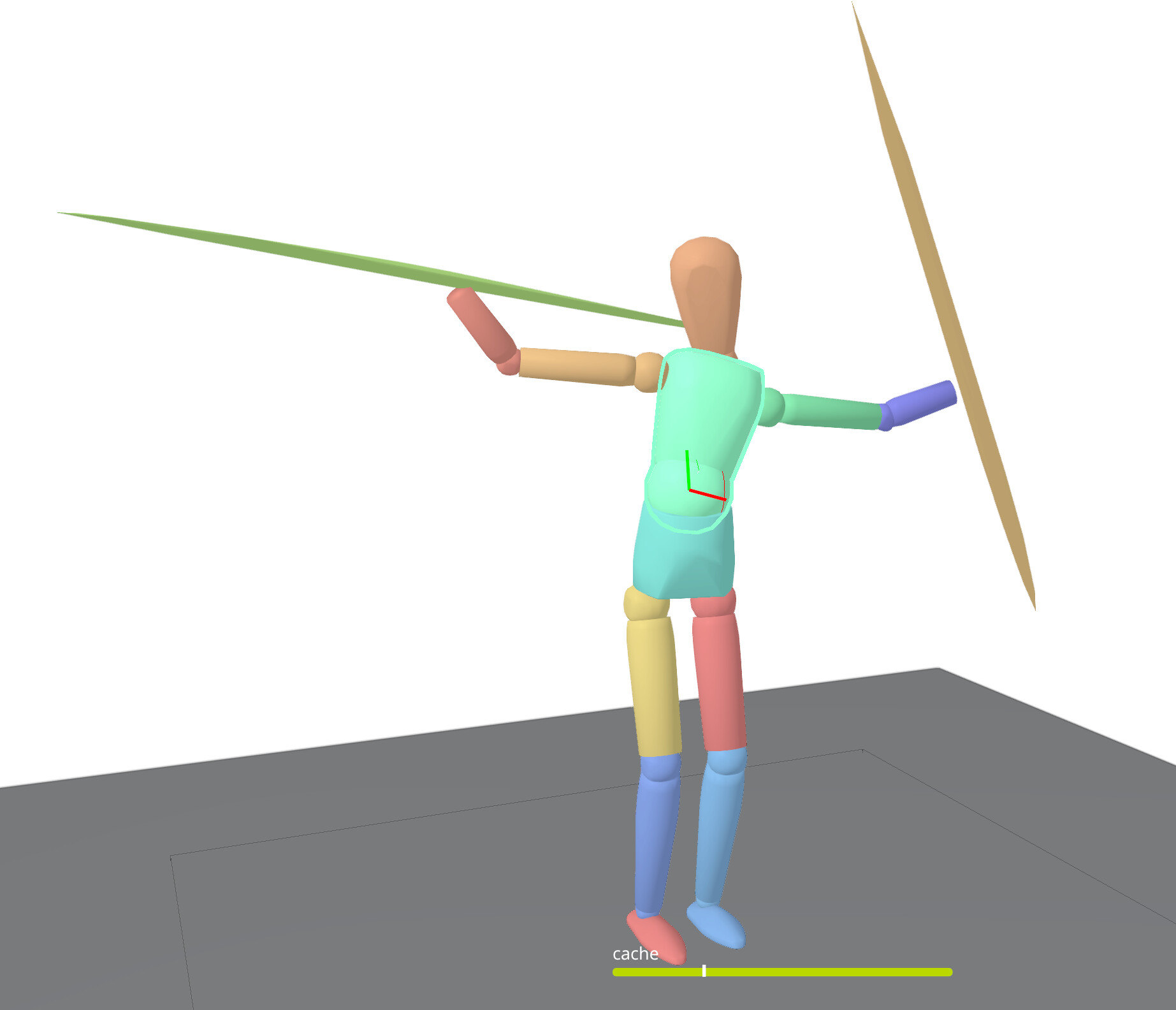
i’m suspicous that it has to do with the simulation lasting longer or being recorded for longer than the timeline limit. once it hits that point the shapes start distorting. how can i stop this glitch from happening other than increasing the timeline length?
Welcome to the forum and thanks for reaching out! 
About the issue you are having, sadly I cannot reproduce this hand-stretching behaviour. I need some more clues. 
Can you tell me more about the steps you took, and maybe with a screen recording video, or you can send us your Blender file?
Also, how do you mean by “being recorded for longer than the timeline limit”?
Hands started to stretch when the recording surpass that “timeline limit”?
Thanks. 
i figured it out, it’s really annoying but i have to go to the marker bones in the pose mode and “clear the transformations”, then it fixes it. i have to do this every single time, it’s very annoying
Thansk for the update!
Did you mean, press A to select all pose bones in Pose mode, and then Pose > Clear Transform?

And by “every single time”, you mean every time after Ragdoll simulation recorded?