Hi everyone,
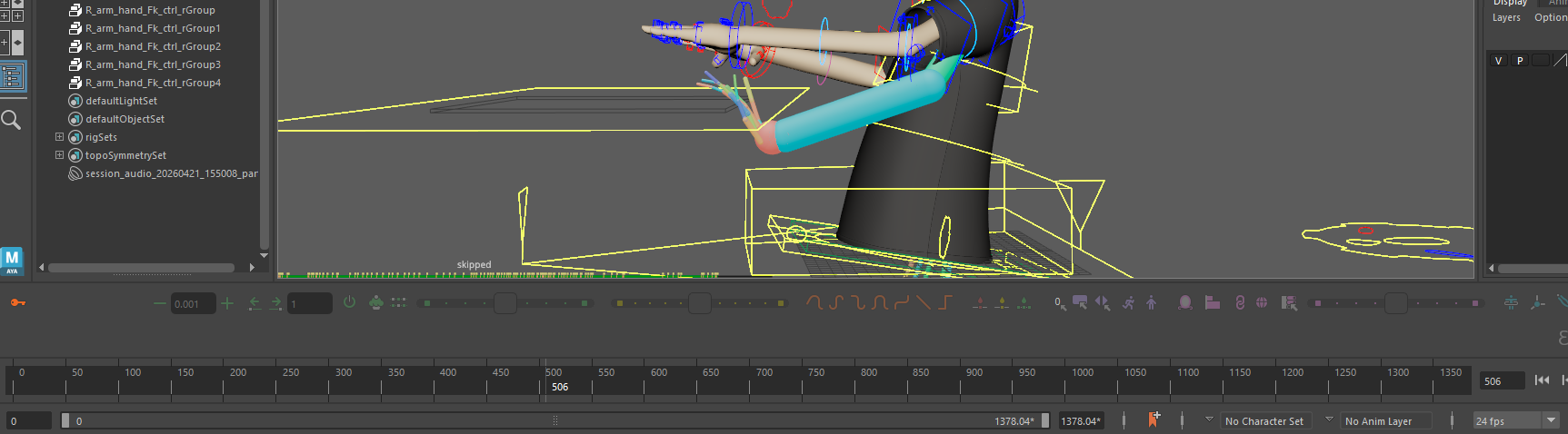
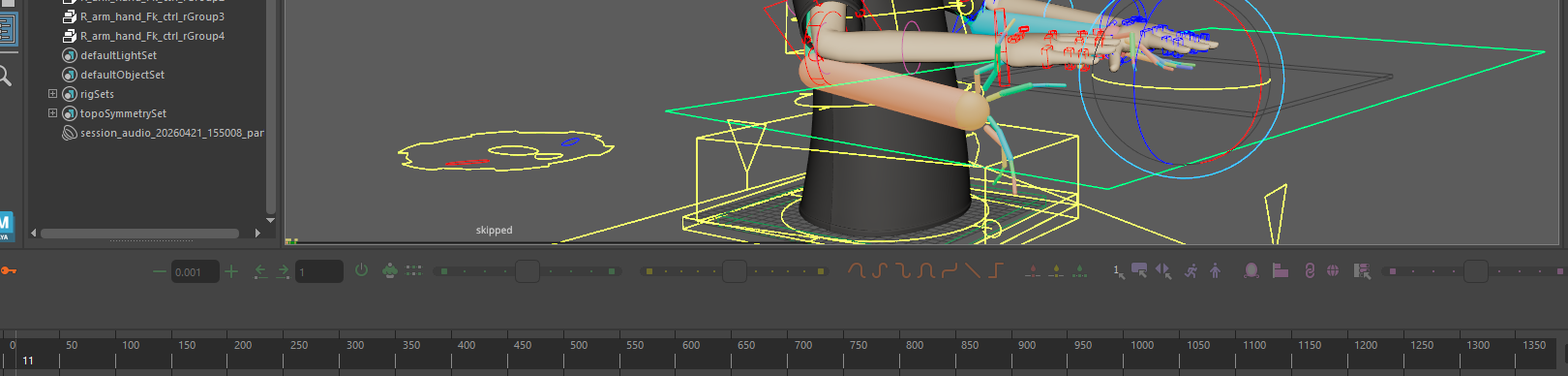
I’m creating a digital puppet in Maya and using Ragdoll on the arms and hands. The puppet is going to be sitting at a desk, so I’m using the ground to replicate the desktop, but the dynamics seem to crash through. One hand clips through immediately, and the other clips through on an extreme movement of the puppet.
Would anyone have any thoughts on why this is happening and how to solve it? I did have the ground plane a lot bigger, but it didn’t look right with the way the forearm would interact with it.
Thank you!
Hey @Scott_Hewitt, welcome to the forums.
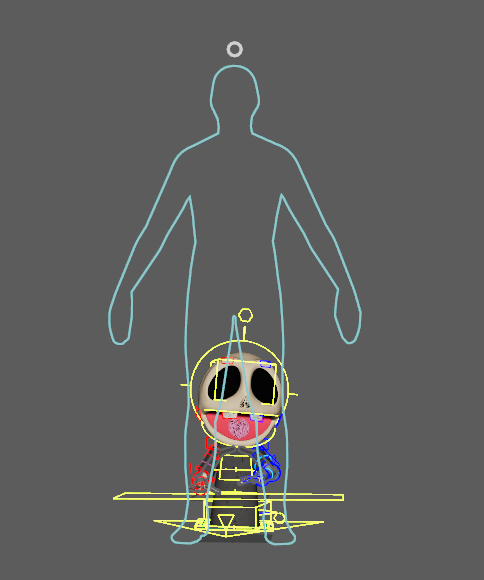
It’s hard to tell with still images, but from your description this sounds like a scene scale issue. In the Manipulator, try the Scene Scale Mode to get a preview of what Ragdoll sees. Odds are your character is too small, causing gravity to appear much stronger than it is. You also have a Scene Scale attribute on the solver you can tweak to see what helps.
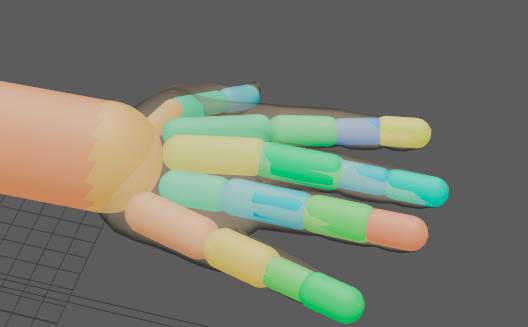
The second issue that likely causes issues but possibly not related to intersecting with the table are those narrow fingers. Try keeping shapes proportional to your character geometry, as otherwise they will act their size. In this case, they’d act more like antennas or strands of hair when what you want is fingers. For simplicity, I’d start with just the arm and add fingers once the arm behaves. Maybe make the hand a single shape for the time being, and add the fingers you need for your performance.
Hi @marcus Thank you so much for getting back to me! I started with resizing the fingers and am already getting much better results. I did make the scene scale roughly to the scale that the puppet would be in the real world.
I think the next thing I’ll do is create a cube for the hand, because right now I just have the fingers attached to a ball at the wrist and not actually to a palm.
1 Like