Hello,
I am not sure if this is only on my end but just a heads-up.
I noticed that:
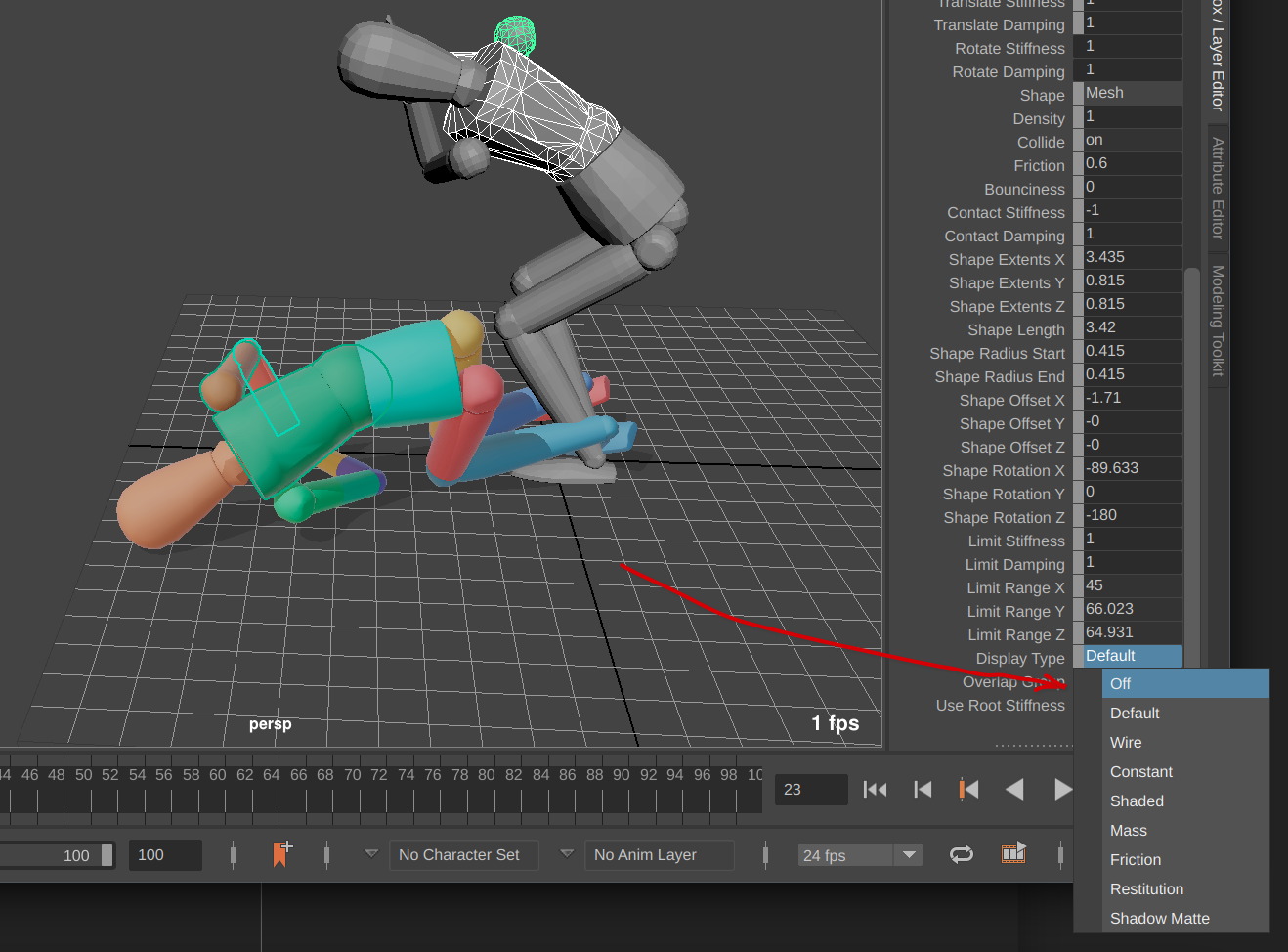
When I created a Ragdoll Group e.g. for the tail.
I can’t hide the overall Ragdoll Group (Markers)
- Selecting the group in Outliner;
- then turning “Visibility” and “Enable” in Channel Box to: “Off”
-
Does not change anything on my end and the group(Markers) stay visible.
They only hide on the overall “Solver Visibility”. -
I use Ragdoll Version 2026.06.24 on Mac
Cheers and happy animating!