Hey there -
I’m attempting to export a specific ragdoll setup from my scene via the api.
I have 3 of the same rig referenced into my scene, each with their own ragdoll imported. I have tweaked the settings of rig_02, and want to export this as a new physics file via api.
I can see that there is the function parameter ‘opts’, but am struggling to know what to assign to this dictionary in order to export from a namespace. Is there an example/documentation for this specific parameter, or would you know how I can export from a specific namespace?
I have tried:
from ragdoll import api as rd
opts={“namespace”:“rig_02”}
rd.export_physics(r"c:\example_physics.rag", opts=opts)
Thanks for your time!
Alex
Hi @Alex_Tavener,
Looking at api.py I can also spot a opts.
@_wraps(_dump.export)
def export_physics(fname=None, opts=None):
    return _dump.export(fname, opts)
This then calls on dump.export which doesn’t have an opts.
def export(fname=None, data=None):
    """Export everything Ragdoll-related into `fname`

    Arguments:
        fname (str, optional): Write to this file
        data (dict, optional): Export this dictionary instead

    Returns:
        data (dict): Exported data as a dictionary

    """
And so this is likely a typo in this API function.
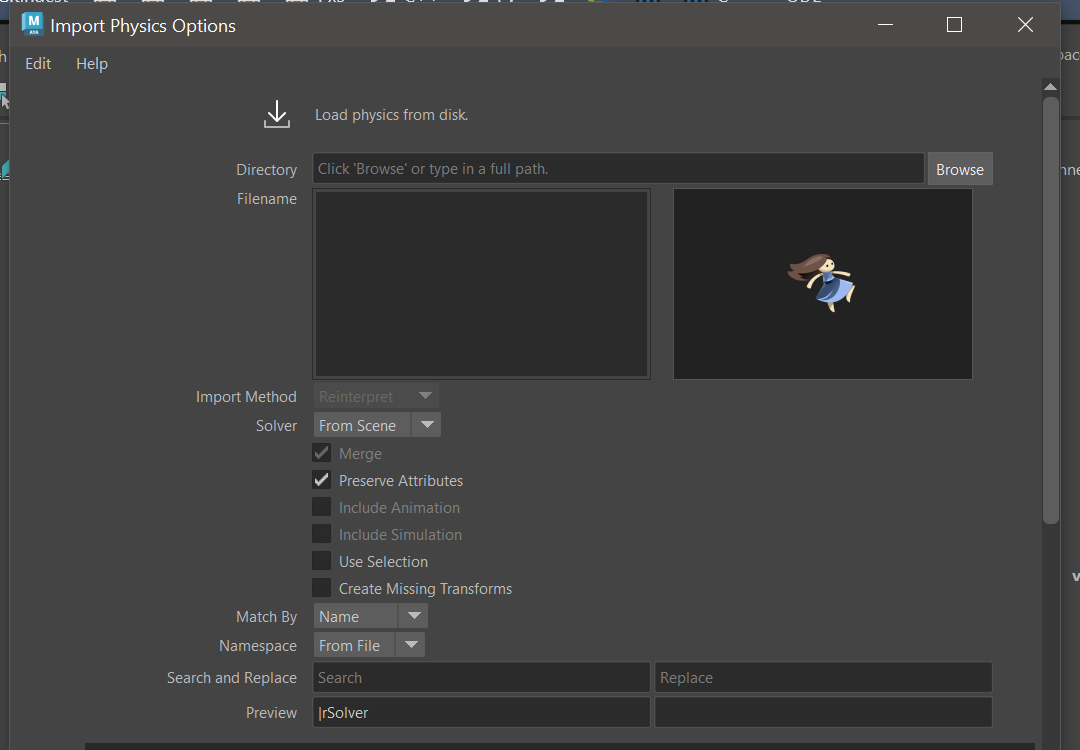
The export isn’t designed to filter what goes out; it always exports everything, such that you can then filter what goes in instead, via the various filters in the Import Physics dialog.
If you wanted to limit what goes out, one option then would be to post-process the JSON produced by the export command.
from ragdoll import dump
out = dump.export()  # Do not write to disk

# Use built-in utility for parsing the JSON
registry = dump.Registry(out)

# See the exported .rag file for details, or see here:
# https://learn.ragdolldynamics.com/sdk/serialisation/
for entity in registry.view("NameComponent"):
   Name = registry.get(entity, "NameComponent")
   if Name["value"].startswith("unwanted_namespace:"):
      out["entities"].pop(str(entity))

# Manually write to disk
import json
with open("my_preprocessed_character.rag", "w") as f:
    json.dump(out, f)