Hi,
I’m using 2026.07.21 and I’ve found that when I’m working on a ragdoll setup that I want to share, I’ll export my physics, it will say “100 markers exported” for example.
I’ll then close my scene, and re-open later to make some tweaks.
I’ll then try to export my updates through export physics and it will say “Markers Exported 0”
The only work around I’ve found is to import my previous export into a fresh scene - make my changes and then re-export physics.
Not sure if there is another workaround?

In the Physics Export dialog, there is a list of everything to be exported, can you see markers in that list?
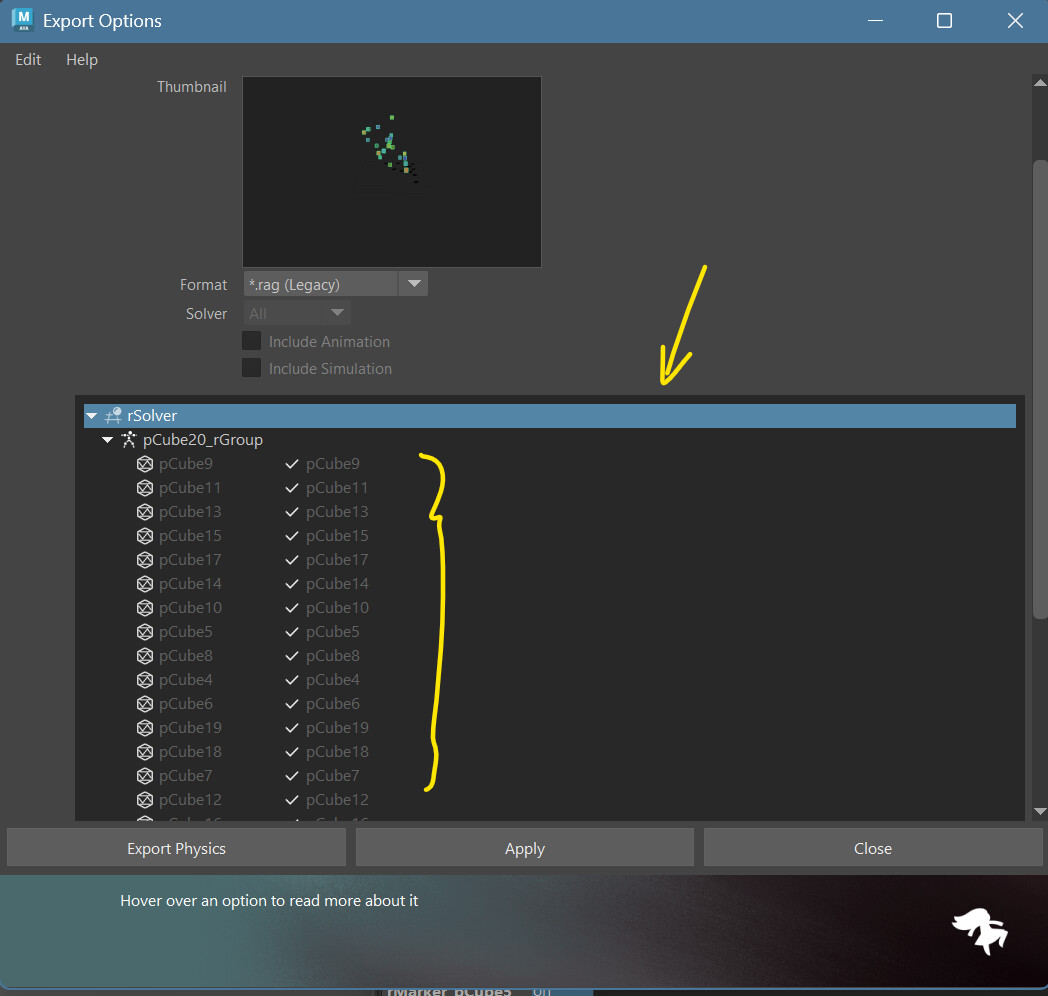
Also I noticed that you are using an older version of Ragdoll since your last visit about a bug. We have fixed it, please give the latest version a try 
Hi thanks for your reply.
The markers show up in the list. However when I hit export it says “exported 0 markers”.
Will see if we can update to the latest release and see if it persists.
Thank you
1 Like