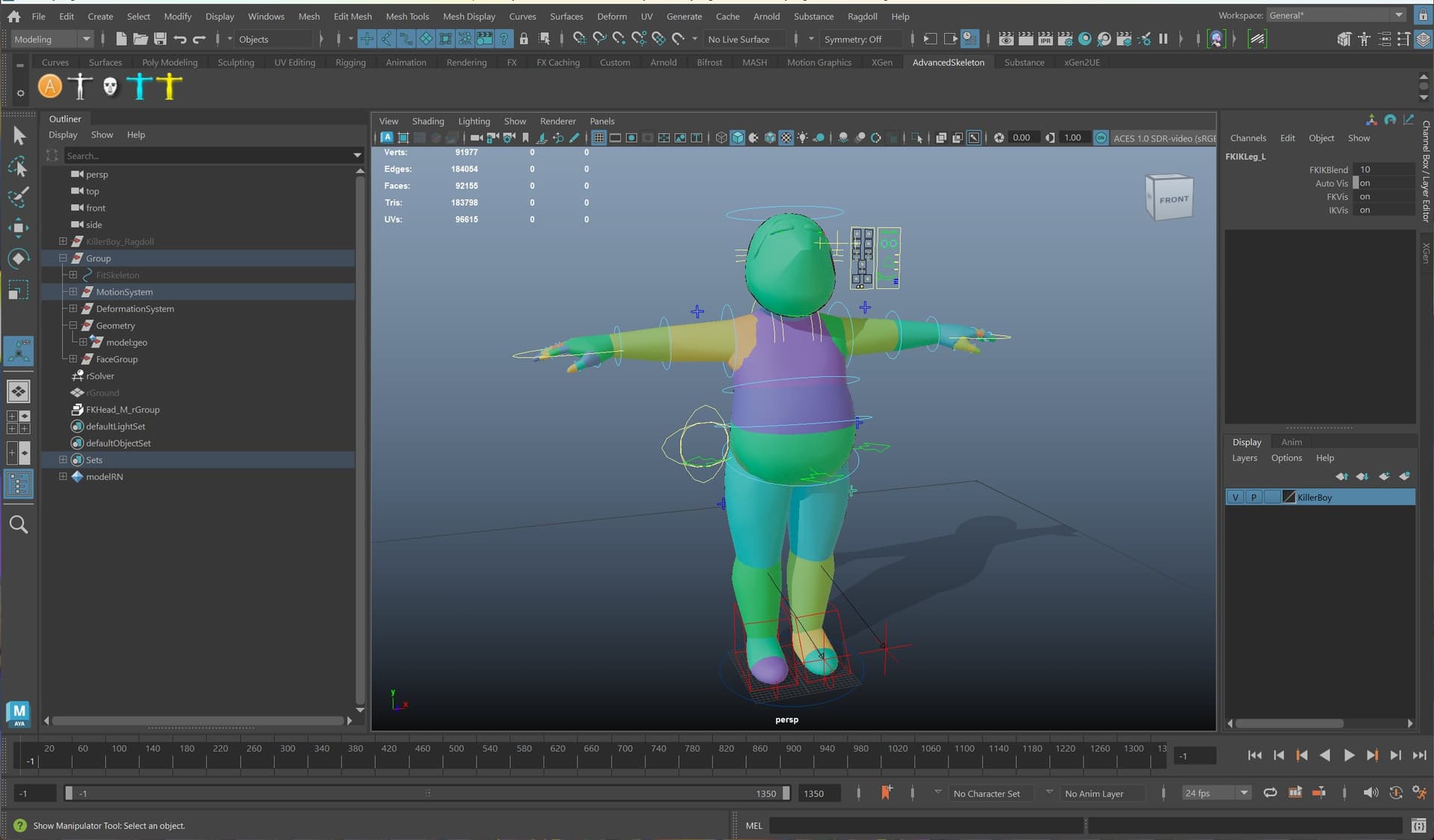
Normally, I have to rig the character, paint the skin weights, add the Ragdoll markers, cut the character into pieces, and then replace the cylinders with parts of my character’s mesh.
For these last two steps, I think a button that automatically replaces the markers with the corresponding parts of the character’s skinned mesh would be great.
This way, I wouldn’t have to waste time manually dividing the character into multiple pieces. The tool could use the skin weights to determine which vertices belong to each joint, generate the corresponding mesh, and skip several minutes of manual work.
Also, couldn’t there be a button that creates the markers based on the joint hierarchy when I select a joint in the skeleton? Then I could use the other button to replace the markers with the corresponding parts of the character’s mesh.
That’s the whole basic setup in just three clicks:
- Select any joint in the skeleton.
- Click the “Create Markers from Joint Hierarchy” button.
- Click the “Replace Markers with Skinned Mesh” button.
You know what? could be 2 clicks!!
- Select any joint in the skeleton.
- Click the “Create Ragdoll from Joint Hierarchy” button.
This would eliminate most of the repetitive setup work and make the entire process much faster. @marcus
One last thing: I’d like a slider that allows me to control how much of the original character’s detail is preserved in the marker. As you can see, the face is barely recognizable. There are ways to force Ragdoll to follow the original shape more closely, but having a slider would be a much cleaner solution.